




Changelog
COMING SOON
Features currently in development
- CaaP, Context as a Package
- Model of Record
2026
Atlan integration
September
Model governance fields now travel both ways between SqlDBM and Atlan. Map a schema to your Atlan assets once, then push your field values out to the catalog, or pull the catalog’s values back in and review every proposed change before you accept it. A push that covers more of the model than one request can carry is handed to a background job and carried out in batches, so a large model goes out in one action rather than being split up by hand.
Global Lineage
September
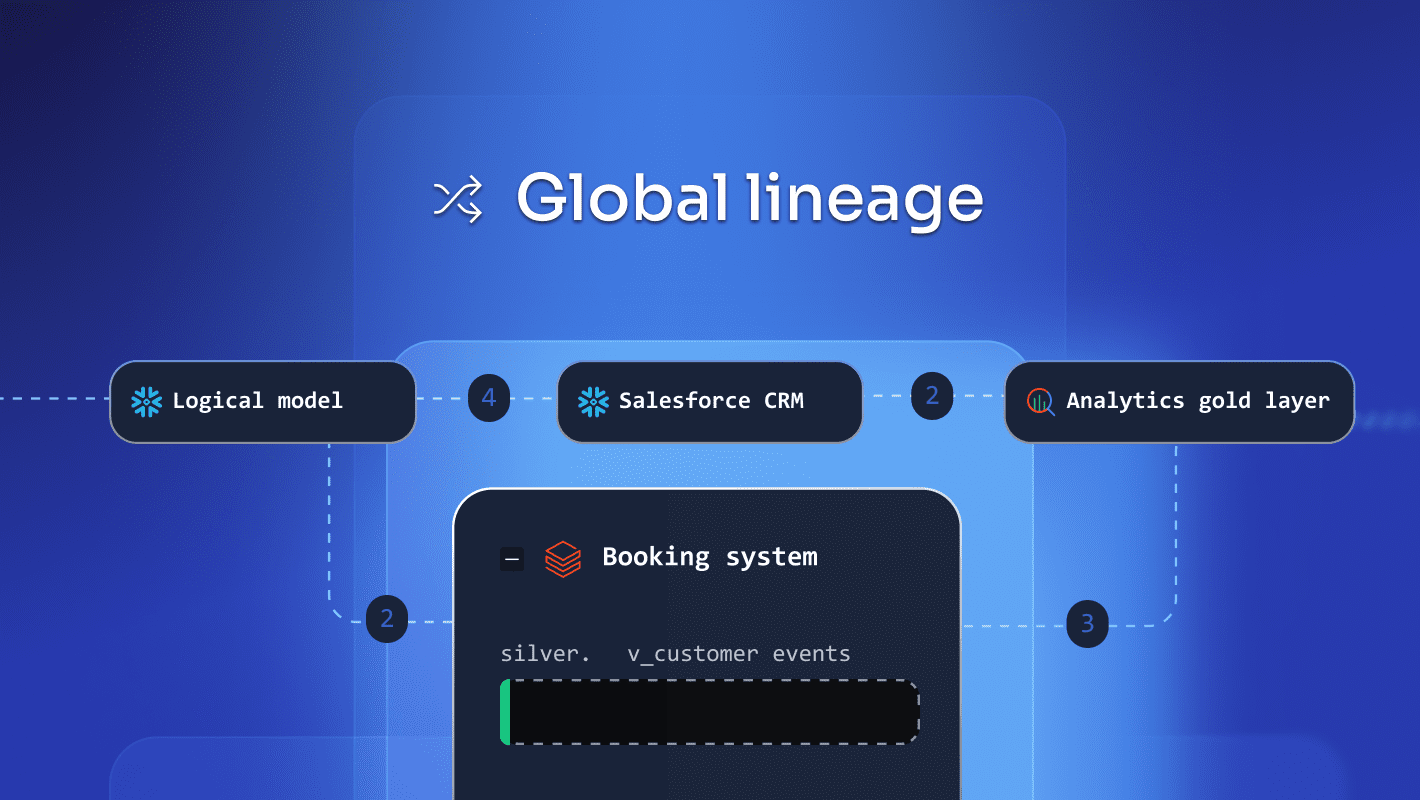
Gain complete, end-to-end visibility into how data models and shared objects connect across every project in your entire organization from a single, centralized view. With the Global Lineage view, teams can eliminate guesswork and prevent costly downstream breaking changes before making schema updates. Search, explore, discover: this unified perspective breaks down organizational silos and gives teams a single pane of glass for object sharing across logical, physical, and business domains.
Relationship docking
September
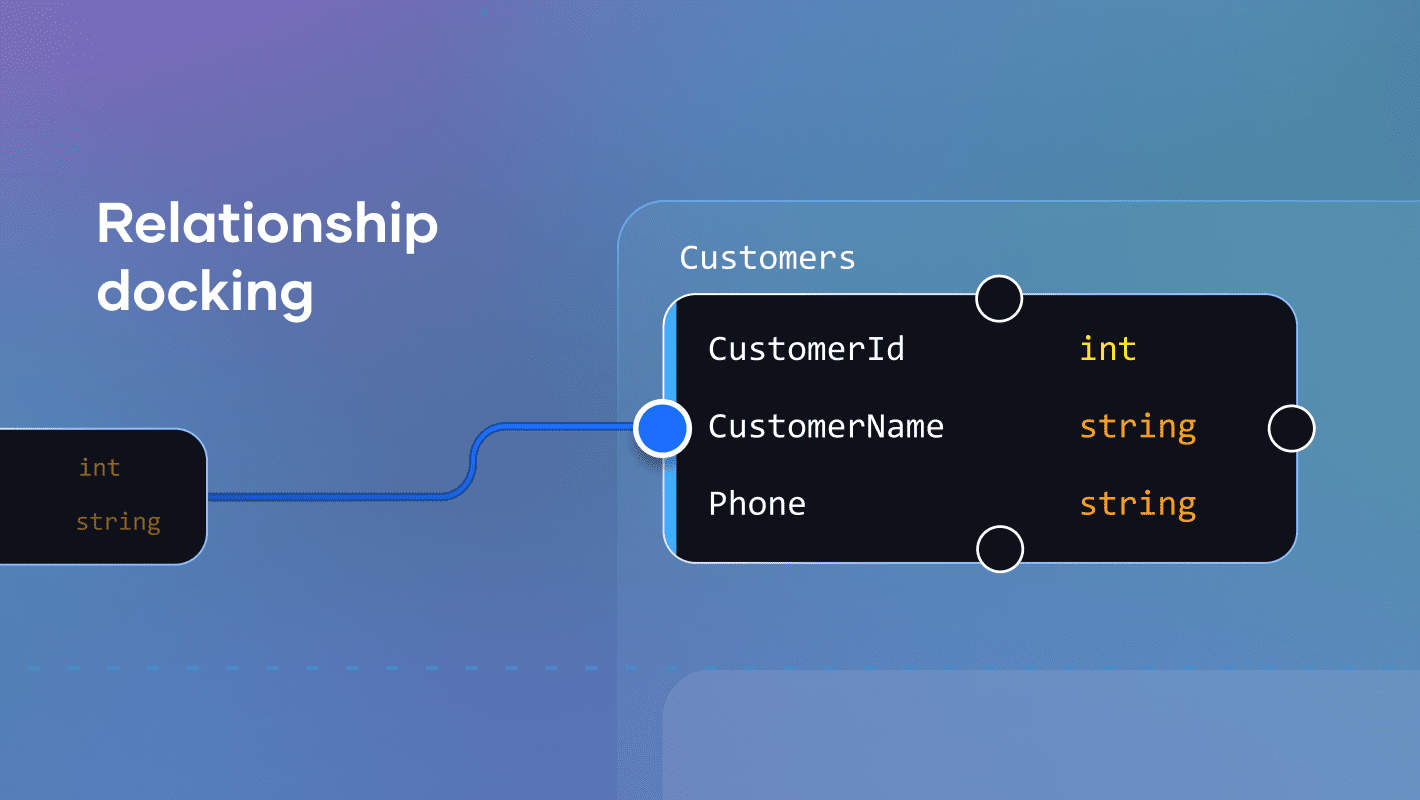
SqlDBM now offers relationship docking customization for users seeking greater control over diagram layouts. Beyond the default “auto” setting, relationship lines can now be explicitly attached to any cardinal point on a diagram object. This gives you full control over where lines connect and how they flow across your model.
Data Ownership fields
September
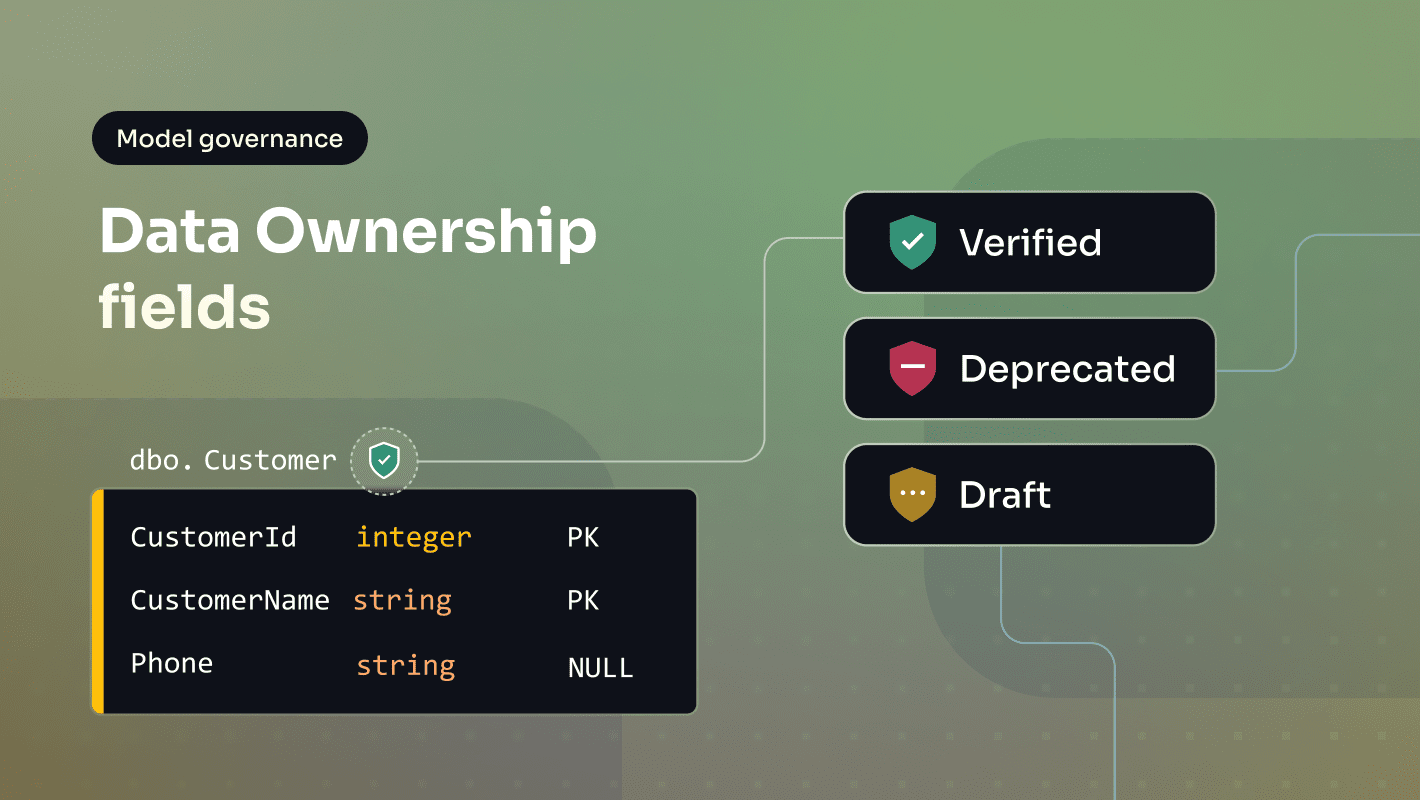
Data Ownership fields bring accountability to Database Documentation: assign a Business Owner, Data Steward, and Technical/Support Contact to any table, pulled from a shared Contacts registry that keeps ownership info consistent across the whole project. Trusted status lets teams flag a table or column as Draft, Verified, or Deprecated, so anyone browsing the model can tell at a glance how much to rely on it. That status now shows right on the diagram, with a color-coded icon on the table header.
Skills for your whole organization
September
Your team’s standards, written once.
An account administrator can now create a skill at organization level, and every project in the account can use it. The governance rules and review processes your team follows live in one place, so Copilot works the same way whichever project you open.
Managing a project’s own skills is no longer the owner’s job alone: anyone with edit rights on the project can now do it.
Subagents for Copilot
September
Copilot can now hand work to specialists, chosen from the new Subagents menu.
- Product guide answers questions about how SqlDBM works from the official help center.
- Planner turns a big request into an ordered plan you can adjust before anything changes.
- Reviewer double-checks finished changes and reports what actually landed.
Semantic models, governance and dbt on the MCP server
September
More of your model, now readable by AI.
A connected assistant now reaches your semantic models, the model governance fields your team maintains, and your dbt YAML, alongside the physical model it already reads.
It can contribute too. Governance changes and dbt manifest imports arrive as a revision for someone to review, exactly like a change made in the app. An assistant sees only what the person whose account is connected can see.
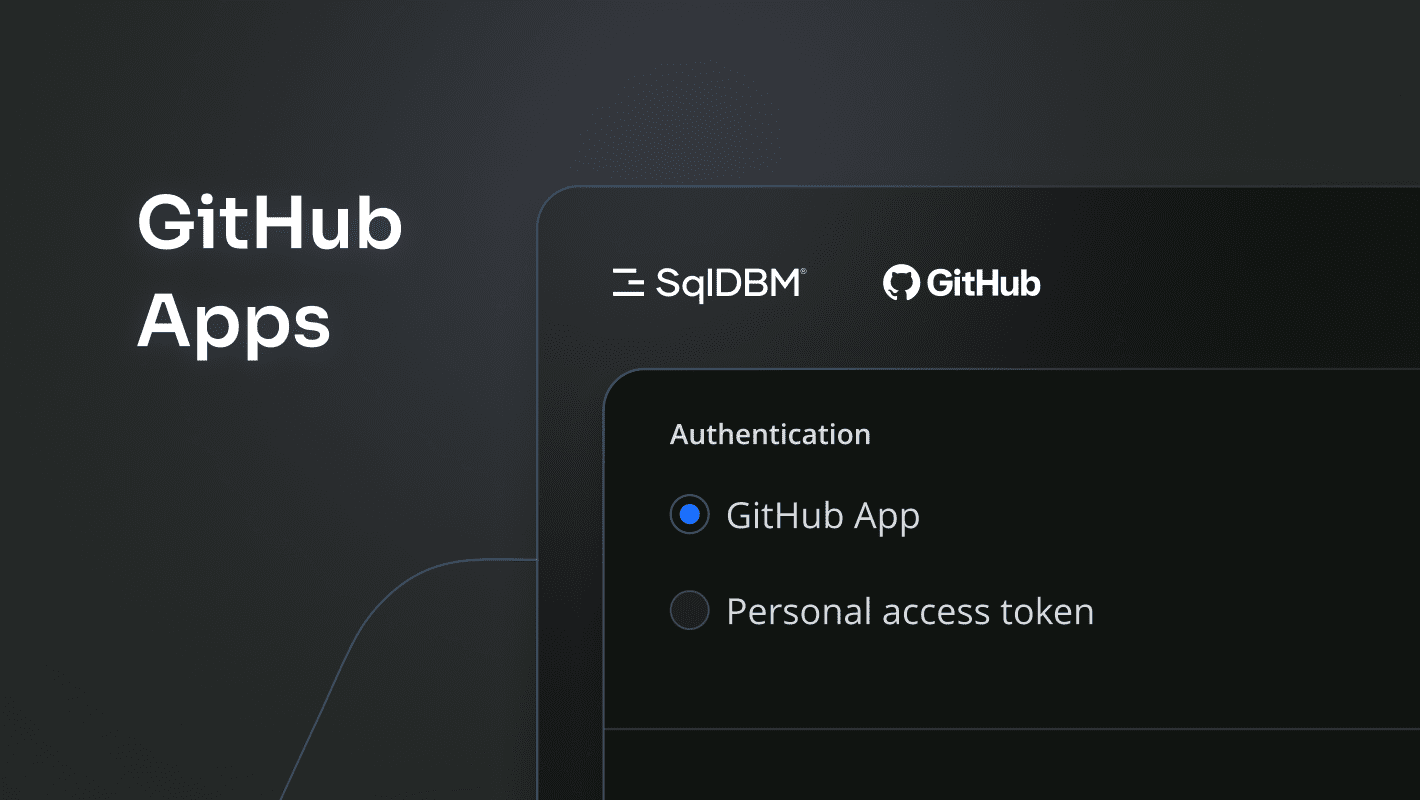
SqlDBM GitHub App
September
GitHub is now supported through the SqlDBM GitHub App. Install it once in your GitHub org, pick the repositories SqlDBM can reach, and connect your projects.
Color Labels
September
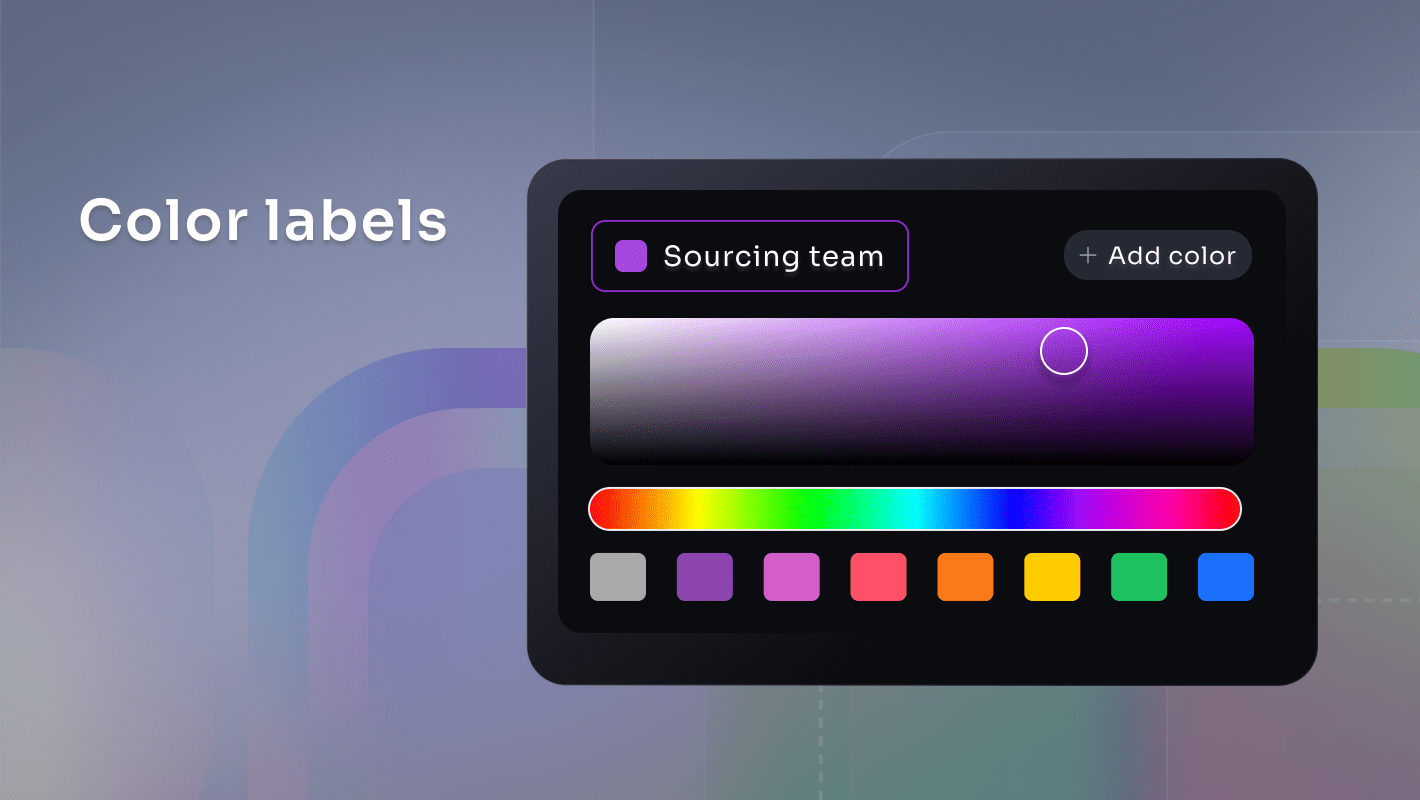
Colors are now color labels, an enhancement that transforms standard object colors into customizable, named, and described tags to help you better organize, document, and search your projects. All of your existing diagram colors seamlessly transition into color labels with zero disruption to your current project assignments. With this release, you unlock expanded customization options like creating custom colors, added descriptive labels, and an extended curated color palette, giving your team complete flexibility to categorize objects visually.
Microsoft Purview integration
September
Model governance fields now travel both ways between SqlDBM and Microsoft Purview. Connect with an Entra app registration, map a collection to your Purview assets once, then push your field values out as business metadata, or pull the catalog’s values back in and review every proposed change before you accept it. A push that covers more of the model than one request can carry is handed to a background job and carried out in batches, so a large model goes out in one action.
Project-level settings
September
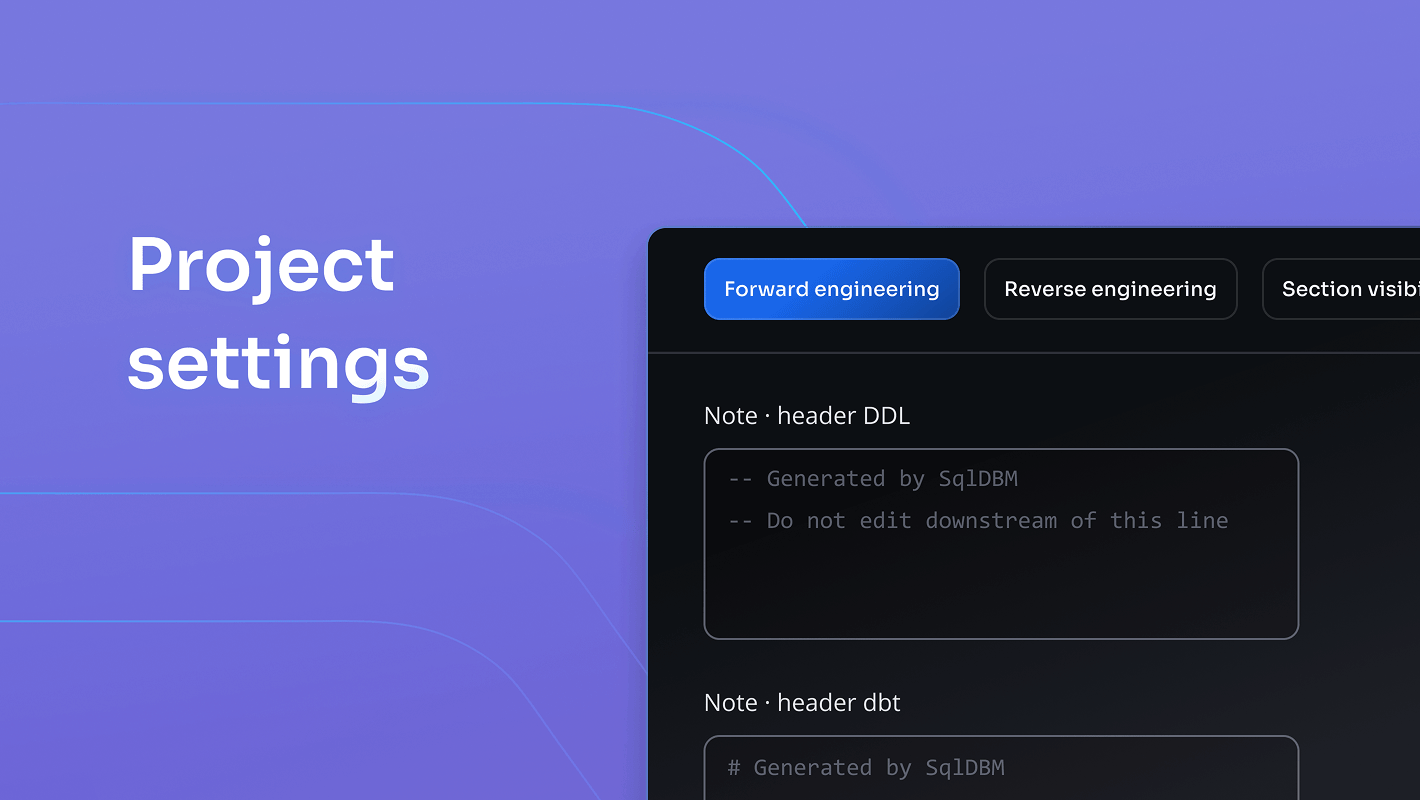
Manage all your project-wide configuration from one dedicated settings space, so your team always knows where to look and what applies to everyone. Set your team’s defaults for Reverse Engineering import behavior and for which dbt version, Fusion or Legacy, your project generates by default, so collaborators start from the same baseline. Add a standard header to your generated SQL and dbt code once, and it’s automatically included every time that project’s code is generated, keeping documentation and formatting consistent across your whole team.
Expanded PostgreSQL object support
September
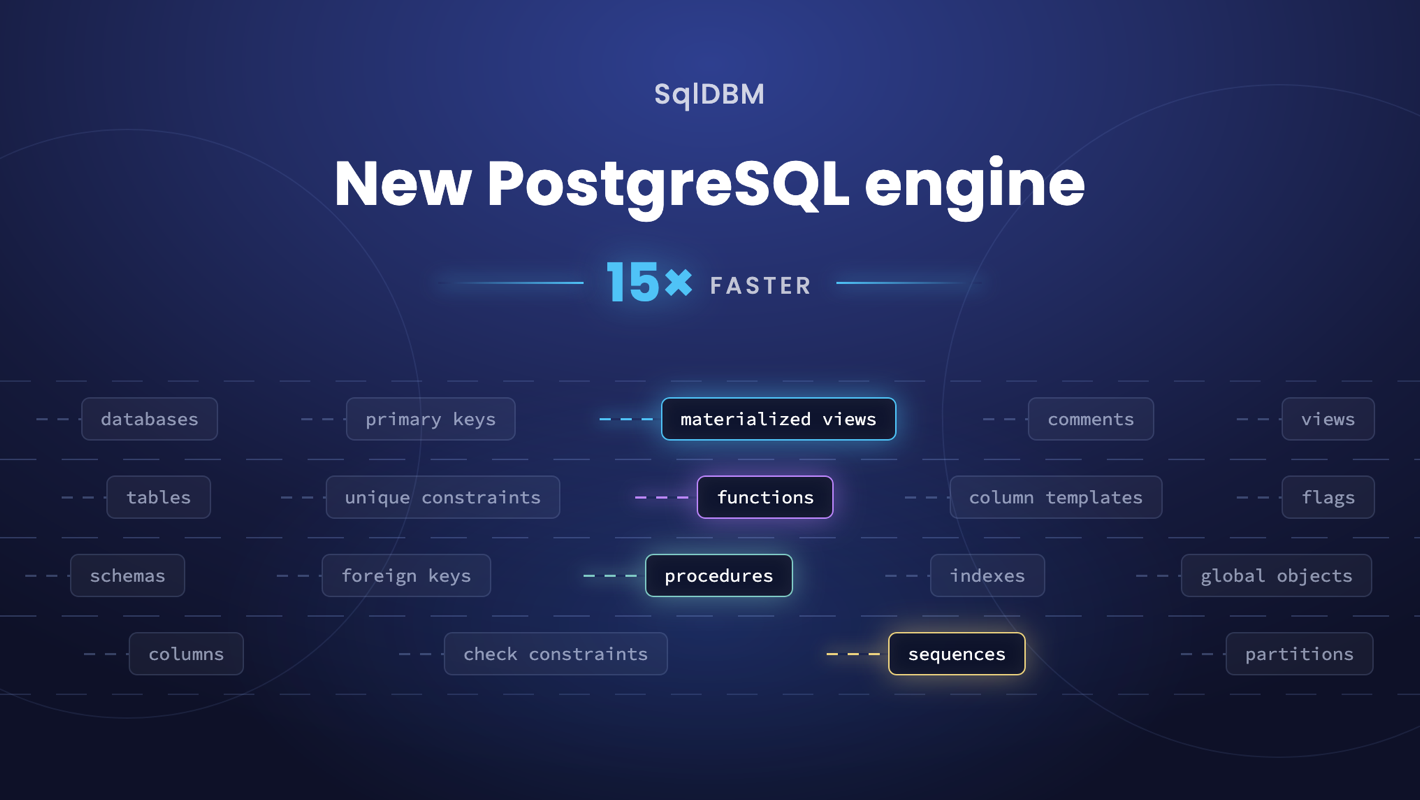
SqlDBM now supports materialized views, functions, procedures, sequences, and partitioned tables in PostgreSQL projects. Databases that rely on partitioning for scale, or on materialized views and routines for reporting logic, can now be modeled end to end instead of keeping those objects outside the project. PostgreSQL imports also run up to 15 times faster on the new SQL engine.
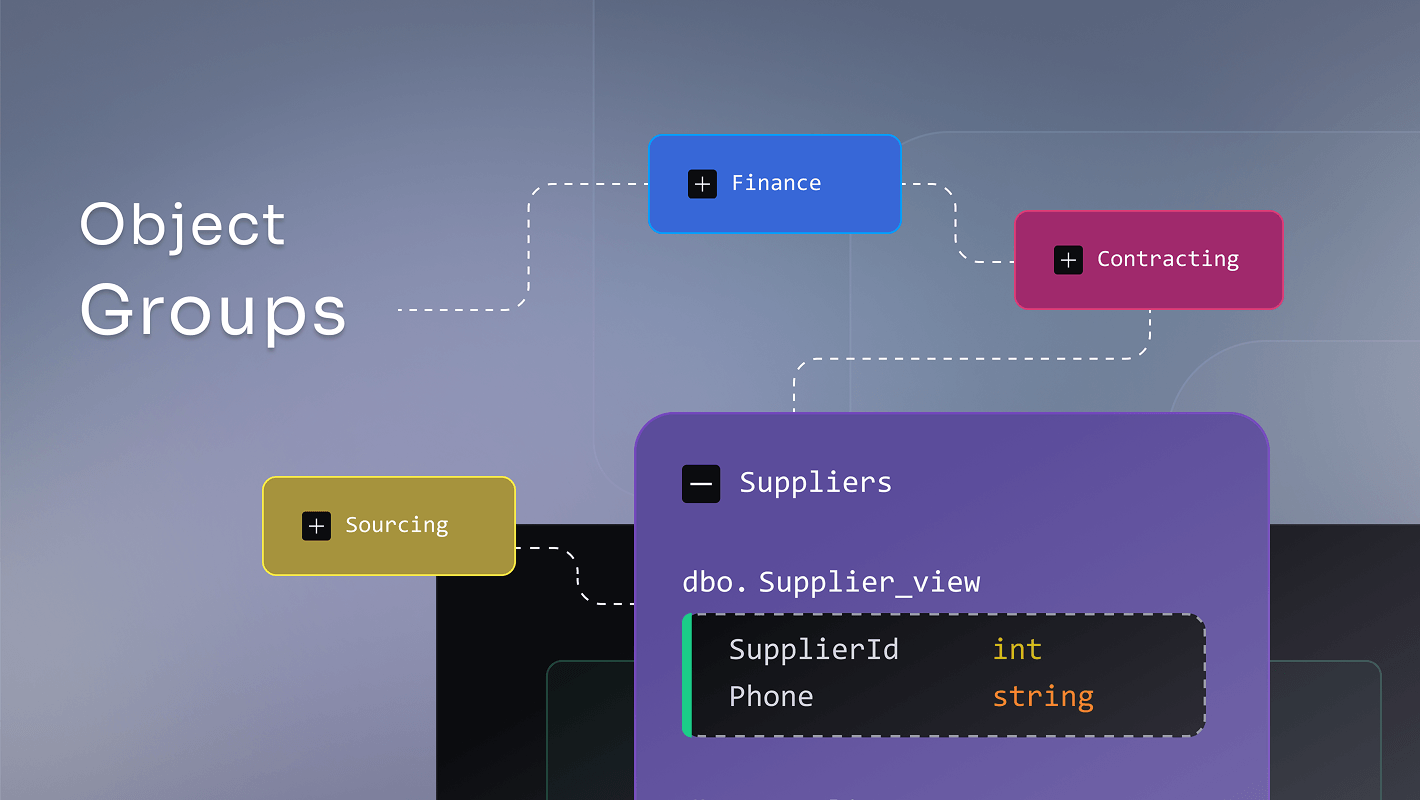
Object Groups
September
Teams can now group diagram objects into named, collapsible containers and turn overwhelming diagrams into a clean, structured view. Collapsing a container hides all the objects and merges all relationship lines into one, dramatically reducing visual noise without losing any of the underlying model detail. This unlocks a new way of working with large models: teams can focus on one domain at a time, share a common diagram layout that everyone sees consistently, and navigate complex data landscapes with confidence.
Collibra Integration
August
Push model metadata from SqlDBM straight into Collibra as governed assets, so definitions live in one place instead of being maintained twice. Map SqlDBM fields to attributes that already exist in your Collibra instance, pick the target community and domain, and choose exactly which objects are included. Pushes run as an asynchronous import job you can monitor from the toolbar, and each project can keep several mappings to send different scopes to different domains.
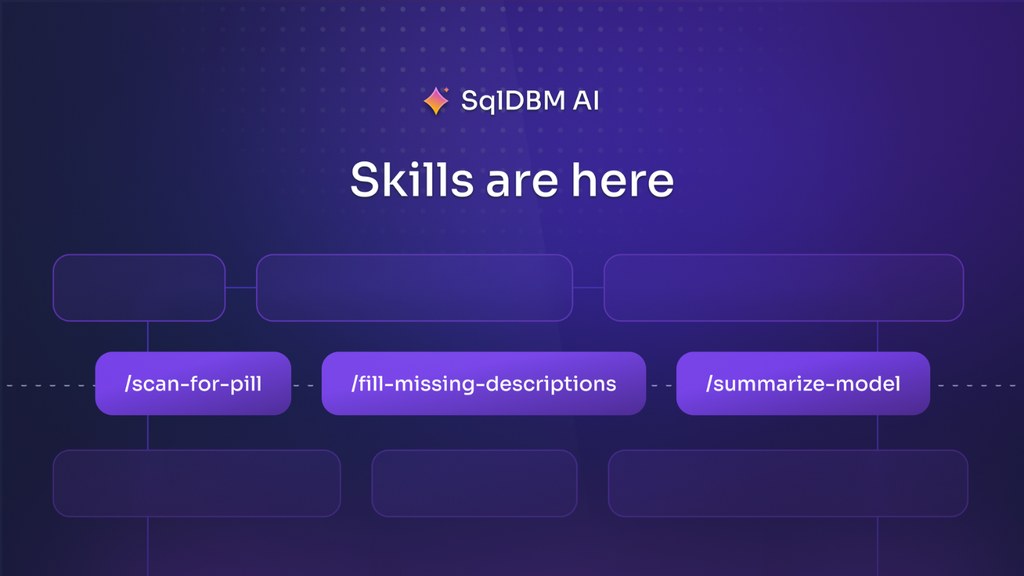
Copilot Skills
August
Create reusable AI workflows that capture your organization’s standards, governance rules, and review processes. From documentation and SQL generation to PII detection and model validation, Copilot helps every team follow the same trusted process at scale.
Bring Your Own LLM
August
Run all SqlDBM AI through your own model provider and API keys, with support for Anthropic, OpenAI, and Google Gemini. Configure it once in AI Settings by choosing a provider, entering your key, and selecting a model, and Copilot switches over within seconds. Configuration is applied per company and consumes no SqlDBM AI credits, so usage and spend stay under your control. BYOM is enabled for your company by your Customer Success Manager before it can be configured.
Copilot on Semantic models
August
Copilot now runs directly on the Semantic Model page, so it always works against the model you have open instead of the project default. Create and switch between semantic models, add tables and views, set business names and descriptions, and configure semantic properties including semantic type, synonyms, sample values, and column exposure. Edits inside a named model override inherited defaults without changing the underlying physical objects, and Copilot reports when an action cannot be completed rather than claiming success.
MCP Write Access
August
AI tools connected to SqlDBM can now contribute changes to governed models: create a pending revision, fork a branch, or create a new project from a DDL script. Write access is always explicit — the scope must be approved when you connect, and a read-only token cannot change anything. Governance still applies: agents cannot merge, approve, or delete revisions, and every write uses the caller’s own permissions and lands in the revisions list with their name and timestamp.
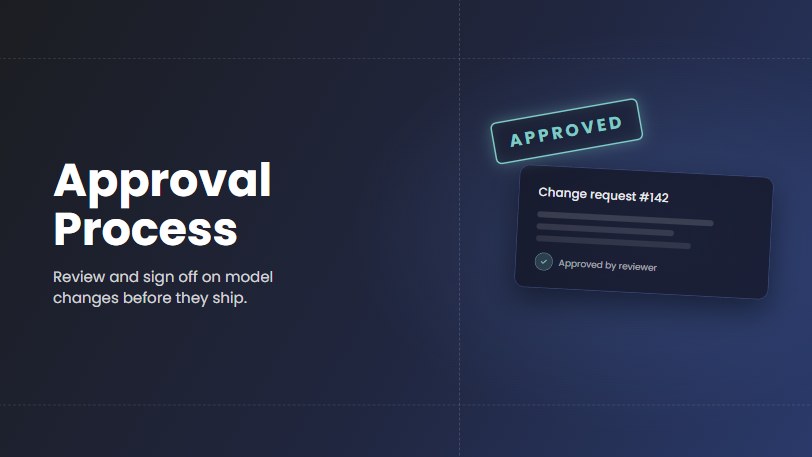
Approval process for Concurrent Working branches
August
Approval Process for concurrent working is here, giving teams a structured, role-based review step before any branch can be merged to Main. This ensures that data model changes are validated by the right people before they reach production. Project owners can enable approvals on any concurrent working project and designate Approvers who review, adjust, and either approve or reject pending merge requests, with automatic notifications keeping all branch members informed at every stage.
Semantic Models API
August
Data teams can now programmatically govern their semantic layers using SqlDBM’s public API with GET and POST methods, facilitating effortless integration into CI/CD pipelines and Git-based version control. You can export semantic YAML directly from any project revision to commit it to source control, and then automate updates back to SqlDBM to maintain synchronization. This functionality removes the manual overhead of UI-based management, providing a robust, repeatable workflow for maintaining verified, high-quality definitions at scale.
New Project from ERwin Import
August
You can now create a new SqlDBM project directly from an ERwin export, making it easier to bring existing data models into your workflow. This streamlines migration, reduces manual rework, and helps teams start delivering value faster. Simply import your ERwin XML file and continue working in SqlDBM with the target database platform detected automatically.
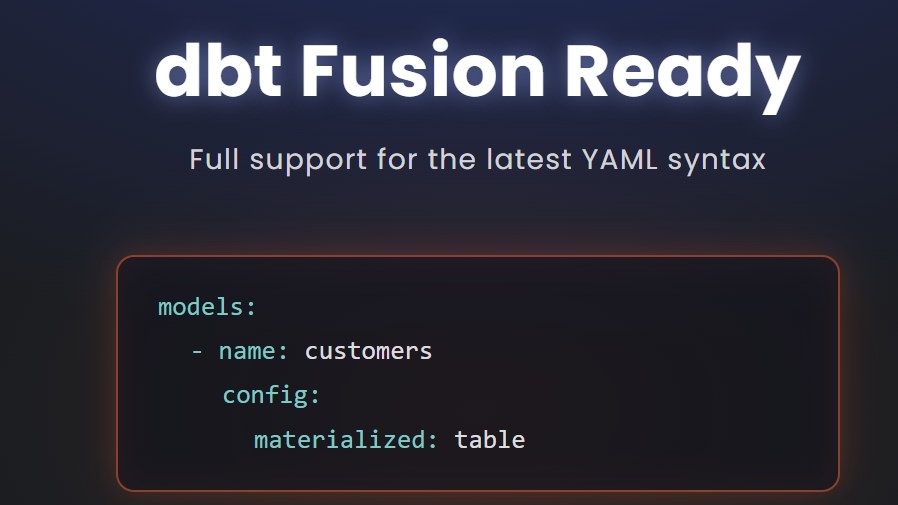
dbt Fusion
August
SqlDBM now generates dbt YAML in Fusion format by default, helping teams adopt the latest dbt workflows with output that is ready to use and free from legacy-format errors and warnings. Teams can continue using the Legacy option for older dbt environments, ensuring existing pipelines remain supported during the transition. The new format is also available in the API as a parameter, with “legacy” set as the default to ensure no disruptions to existing workflows.
BigQuery Labels
August
You can now organize and categorize your BigQuery resources directly within SqlDBM using native Labels on tables, views, materialized views, and datasets. Lables make it easy to filter, search, and manage large projects by environment, team, domain, or any convention your organization uses. Labels are fully reusable across objects so teams can enforce consistent classification at scale without repetitive manual work.
Databricks Tags
August
SqlDBM now supports Databricks tags, letting teams organize, classify, and search their Unity Catalog schemas, tables, views, and columns directly within their data models. You can create reusable tags, assign them in bulk, filter diagrams, and keep everything in sync through forward and reverse engineering. This brings the same consistent tagging experience already available for Snowflake and BigQuery to Databricks users, making it easier to enforce governance standards and find what matters across large catalogs.
Global Reference Summary
August
The new Global Reference Summary gives you a clear view of which projects are referencing your Global Objects. Available on all Global-enabled projects, the summary table provides sortable details and summary counts make it easier to identify dependencies, coordinate with stakeholders, and avoid unexpected disruptions.
Keep PKs in place
August
Users now have full control over how primary key columns are positioned within their tables instead of PK columns automatically jumping to the top. Managing and creating primary keys is also more intuitive, with a streamlined constraint menu that lets you add a PK directly in one step, just like any other constraint type. These improvements give you a cleaner, more predictable modeling experience where your table structure stays true to your design intent, both in the diagram and in the generated DDL.
Semantic Models in Logical projects
August
Semantic modeling is now available in Logical projects, helping teams add business meaning to their data earlier in the design process. Users can define semantic defaults once and carry them through forward engineering and Logical-to-Physical import/export workflows, reducing duplicate work and preserving consistency. This continuity makes models easier to understand, maintain, and use for analytics across the development lifecycle.
Semantic Models – Concurrent Working
August
Semantic Models are now fully supported in Concurrent Working: every team member can create and edit semantic models in their own branch, then review changes in a dedicated Semantic Models tab of the merge screen with a side-by-side, line-highlighted YAML comparison. Your semantic layer gets the same review-and-select merge discipline as SQL objects and diagrams, so multiple modelers can finally work on it in parallel without overwriting each other. Note that a semantic model must be merged together with the objects it references: if its related objects are excluded, the semantic model won’t be merged.
Global Reference support for Logical projects
August
Global References now extend to Logical projects: reference objects across Logical projects or bring logical objects into physical projects or vice versa. Model a shared entity once and reference it everywhere and carry the source project’s icon so your architecture stays readable. Connect your business-level model directly to its physical implementations and give your whole organization one connected picture.
Teradata support is here
July
Model, reverse engineer, and forward engineer Teradata in SqlDBM, and bring it into the context layer powering your AI initiatives.
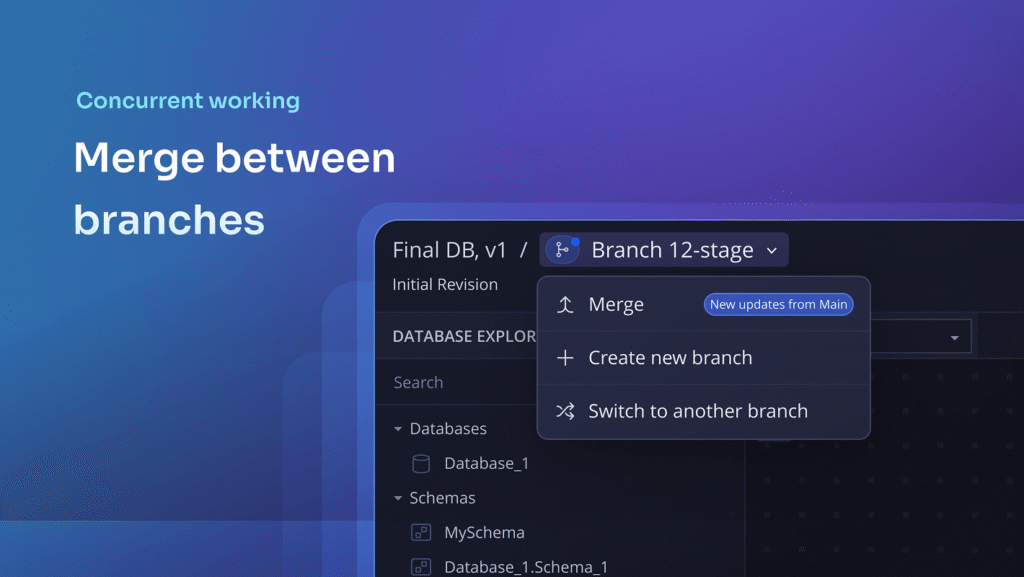
Concurrent working – merge between branches
July
Main is no longer the only option. SqlDBM now lets you merge into any branch you’re a member of! You can also create a new branch from any change branch, so you can build on a teammate’s in-progress work without waiting for it to reach Main.
Semantic models – Reverse engineering and relationships
July
Reverse engineering is now supported for named semantic models and SqlDBM semantic defaults.
Virtual relationships – Excel import/export
July
Seamlessly manage virtual relationships directly from your spreadsheets by exporting them alongside physical constraints.
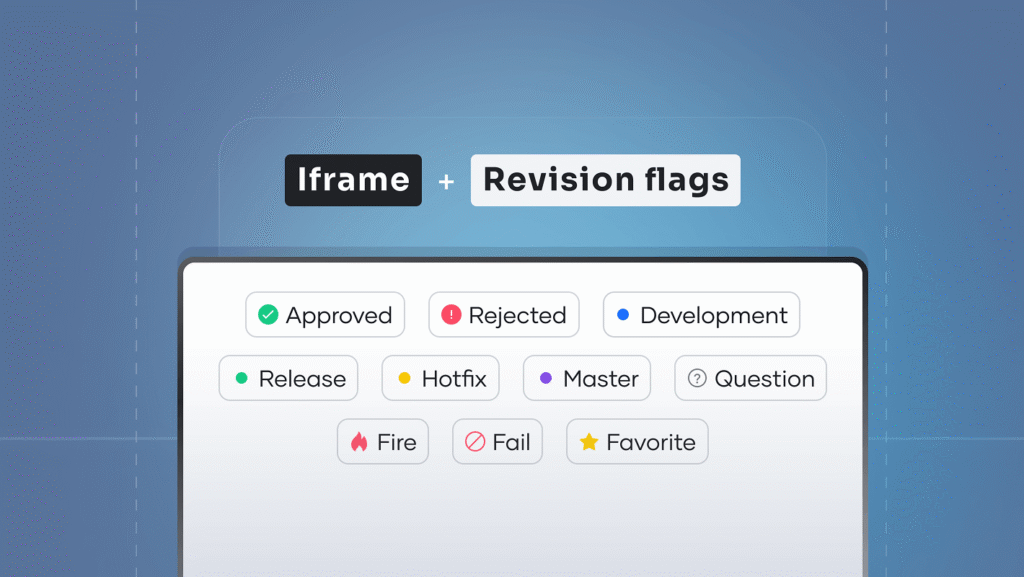
Iframe filters on revision flags
July
The iframe integration now supports filtering by revision flags, allowing you to display only flagged or approved revisions to your audience.
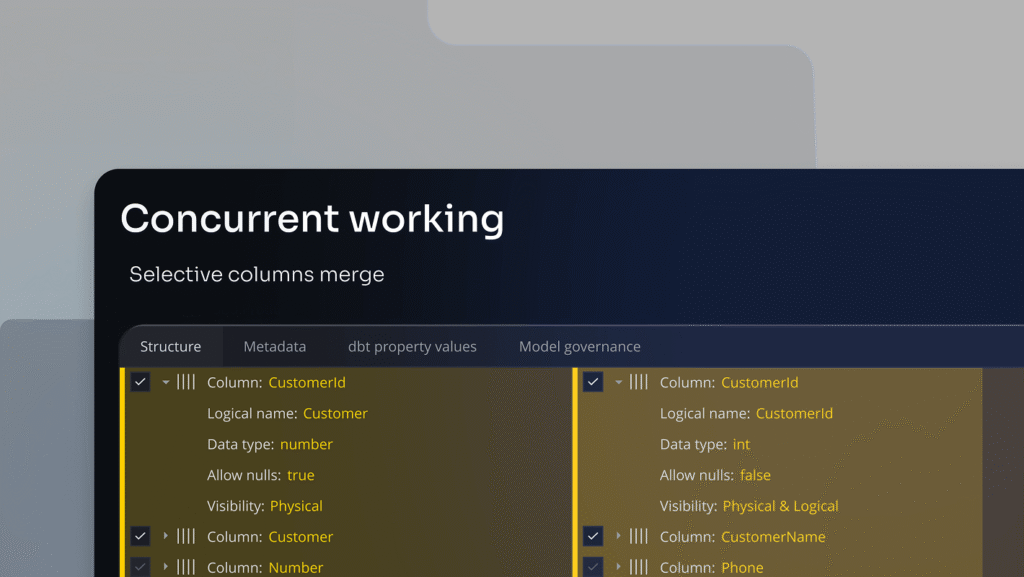
Concurrent working – column-level merge
July
Branch merging is no longer an all-or-nothing operation at the table level. With our new merge dialog, you can now selectively include or exclude individual column-level changes.
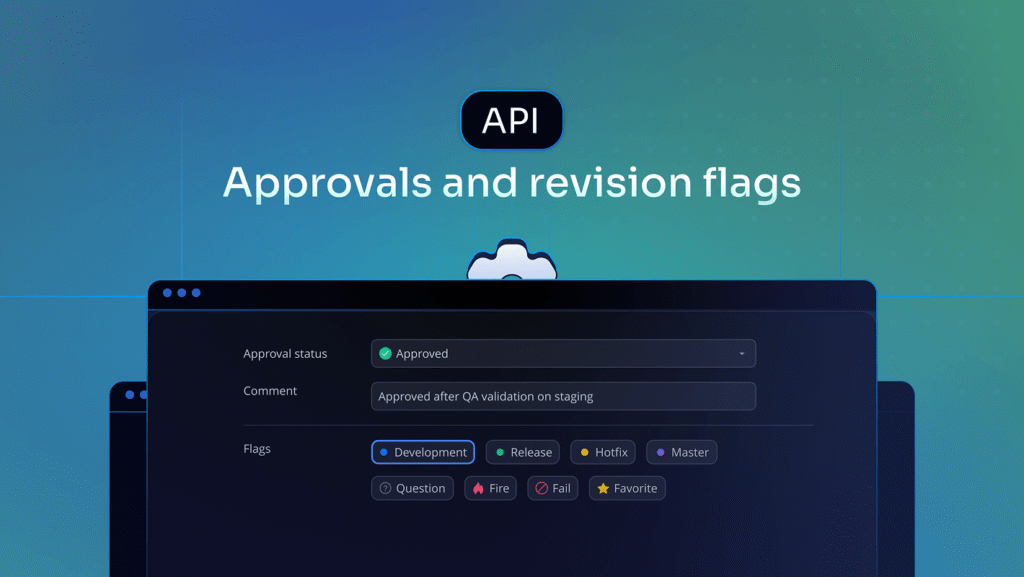
Approvals and revision flags in API response
July
The Get Revision List API endpoint now includes the recently-released Approval and comment fields in addition to all other revision flags.
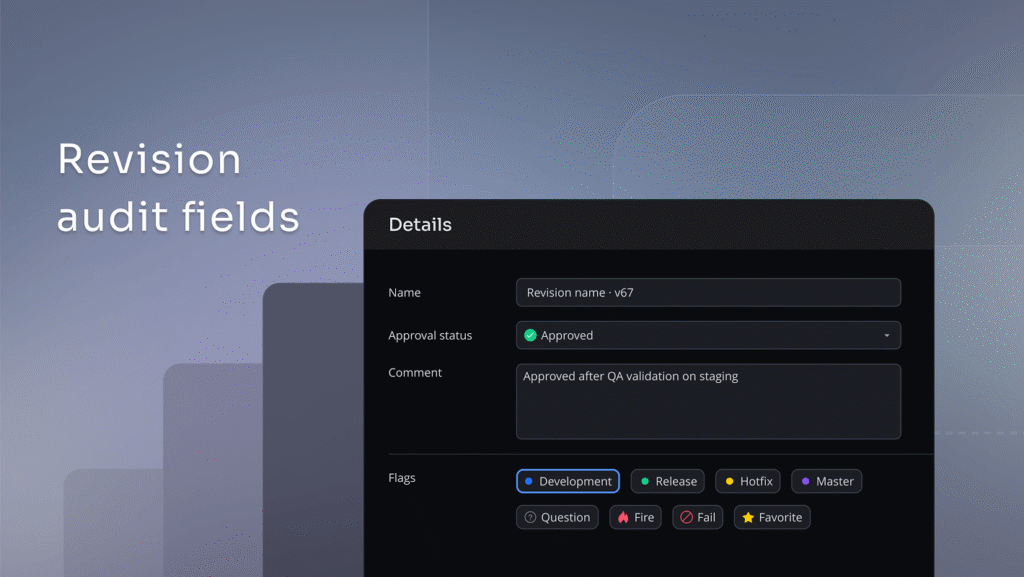
Revision audit fields
July
Revisions now have more metadata fields to record approval status and comments so your team (and your AI agents) have more context on why a change was made and who reviewed it.
Liquibase forward engineering
June
Liquibase forward engineering lets teams generate version-controlled changelogs directly from their SqlDBM models, closing the gap between design and automated deployment.
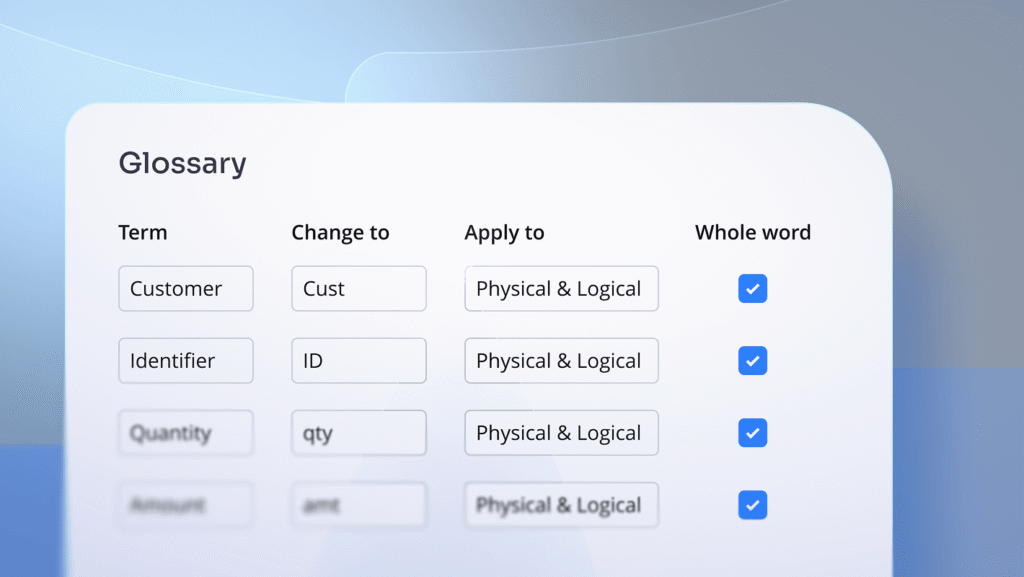
Glossary match whole word option
June
We’ve introduced a new “Whole word” toggle for glossary mapping rules to give you greater precision when enforcing naming standards across your projects.
More power in SqlDBM AI
June
Column and table templates, Excel export, subtype/supertype hierarchies in logical models, and metadata exploration (what, when, who changed).
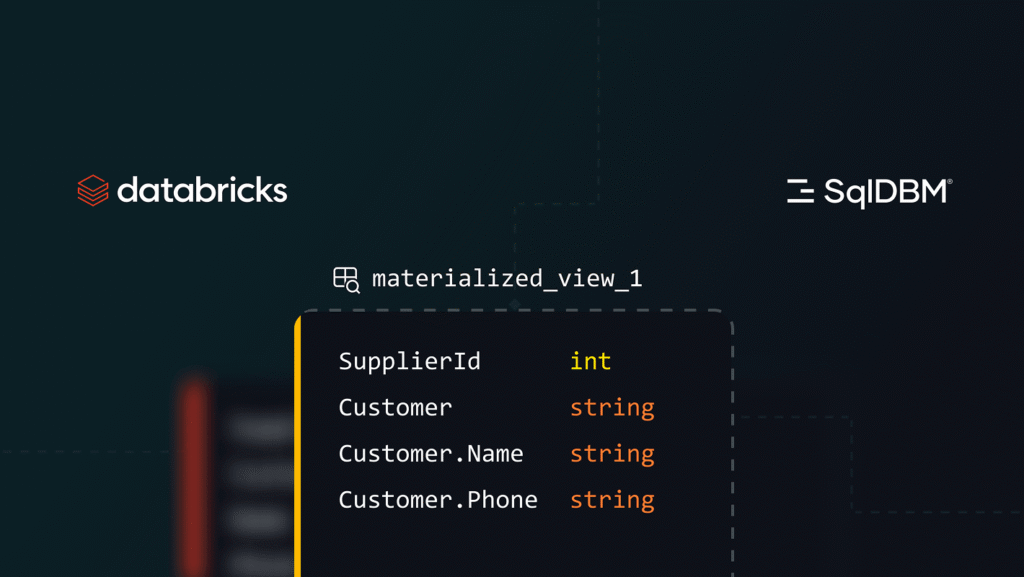
Databricks enhancements
June
Editable view columns, views in database documentation, and more!
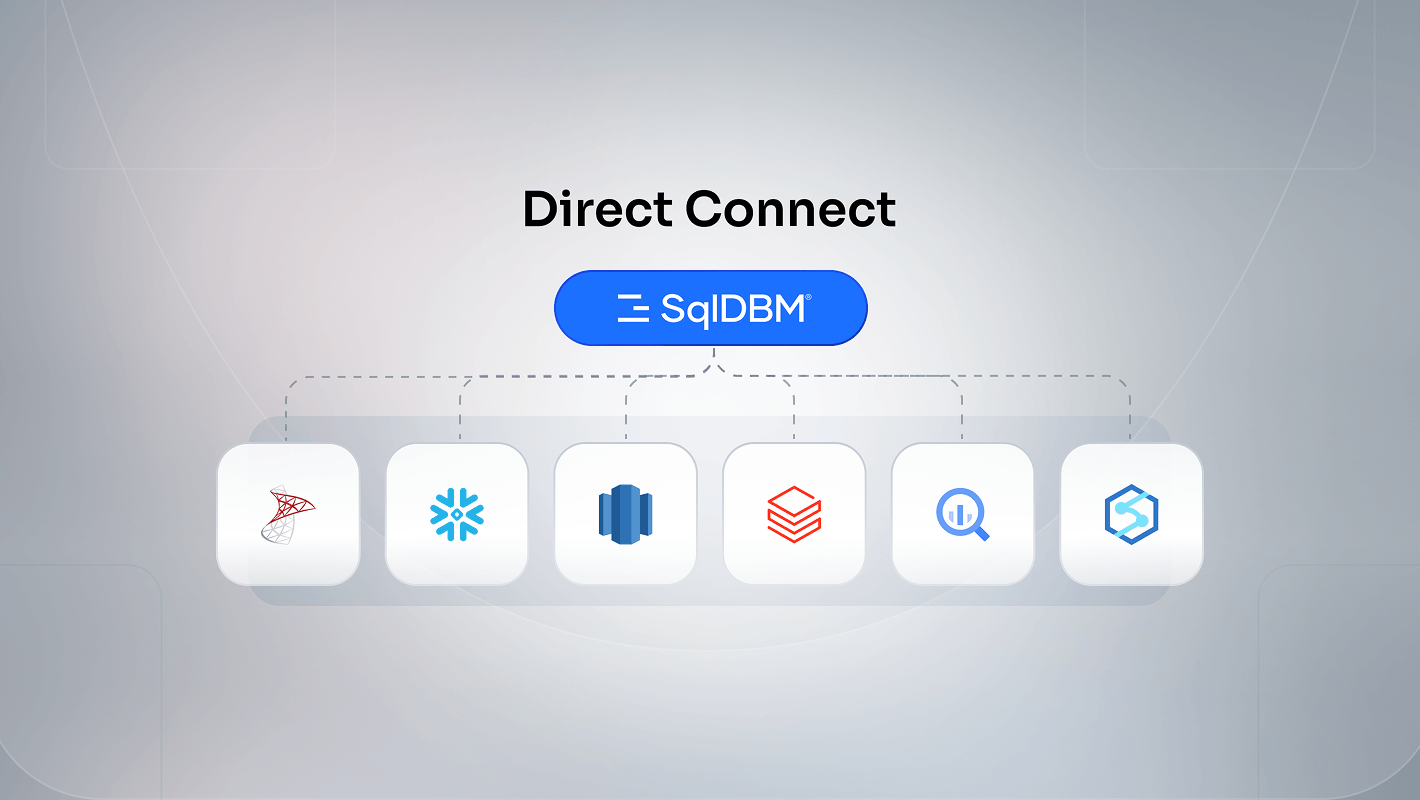
User Connections support all Databases
June
All databases with direct connect now supported in User Connections
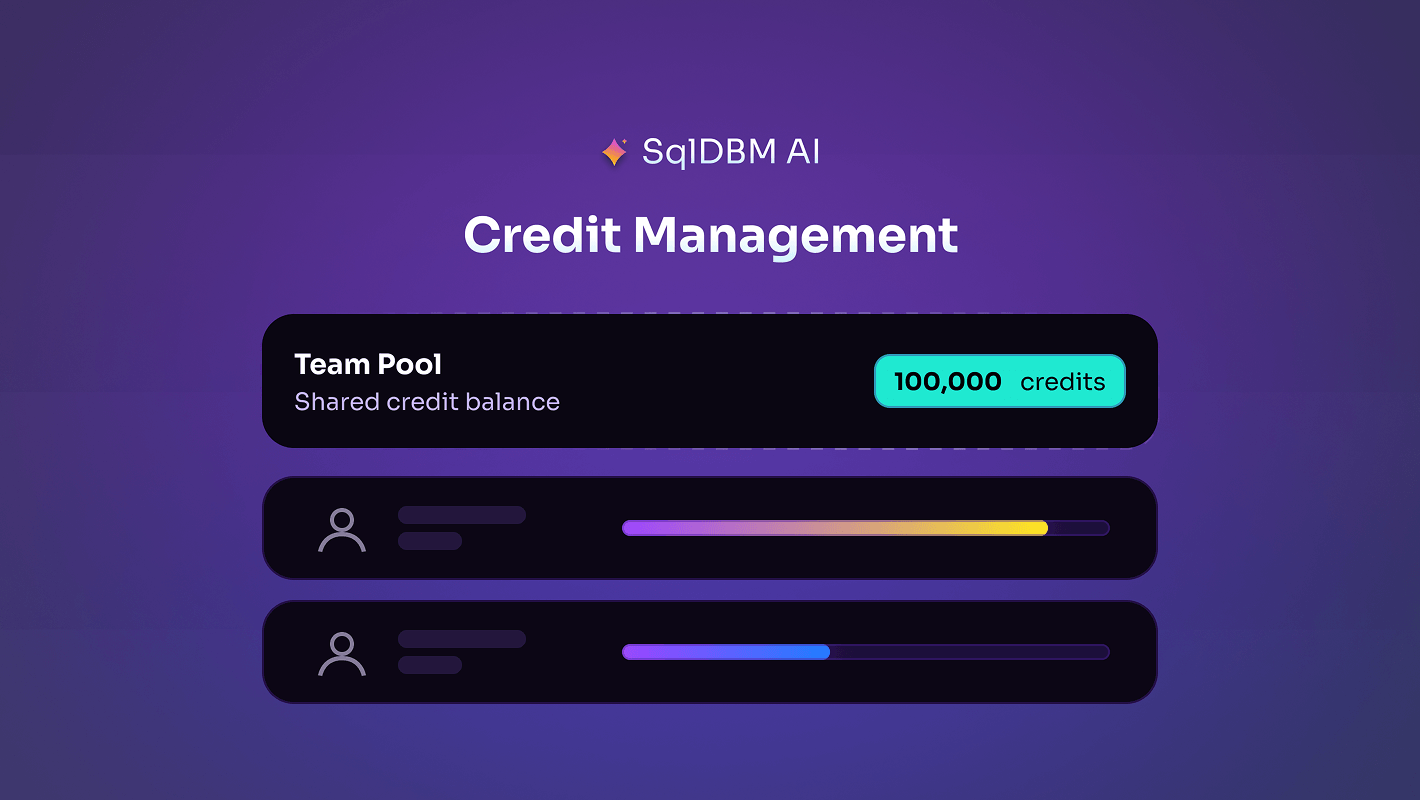
AI Credit Allocation and Usage Governance
June
Allocate AI credits across users from a shared organizational pool, with visibility into assigned, consumed, and remaining balances.
Slack integration
June
Route account-level notifications to Slack for team visibility while maintaining security alerts via email.
Semantic Models (beta)
June
Design a governed, AI-ready semantic layer directly alongside their physical model and forward-engineer it into Snowflake Semantic YAML
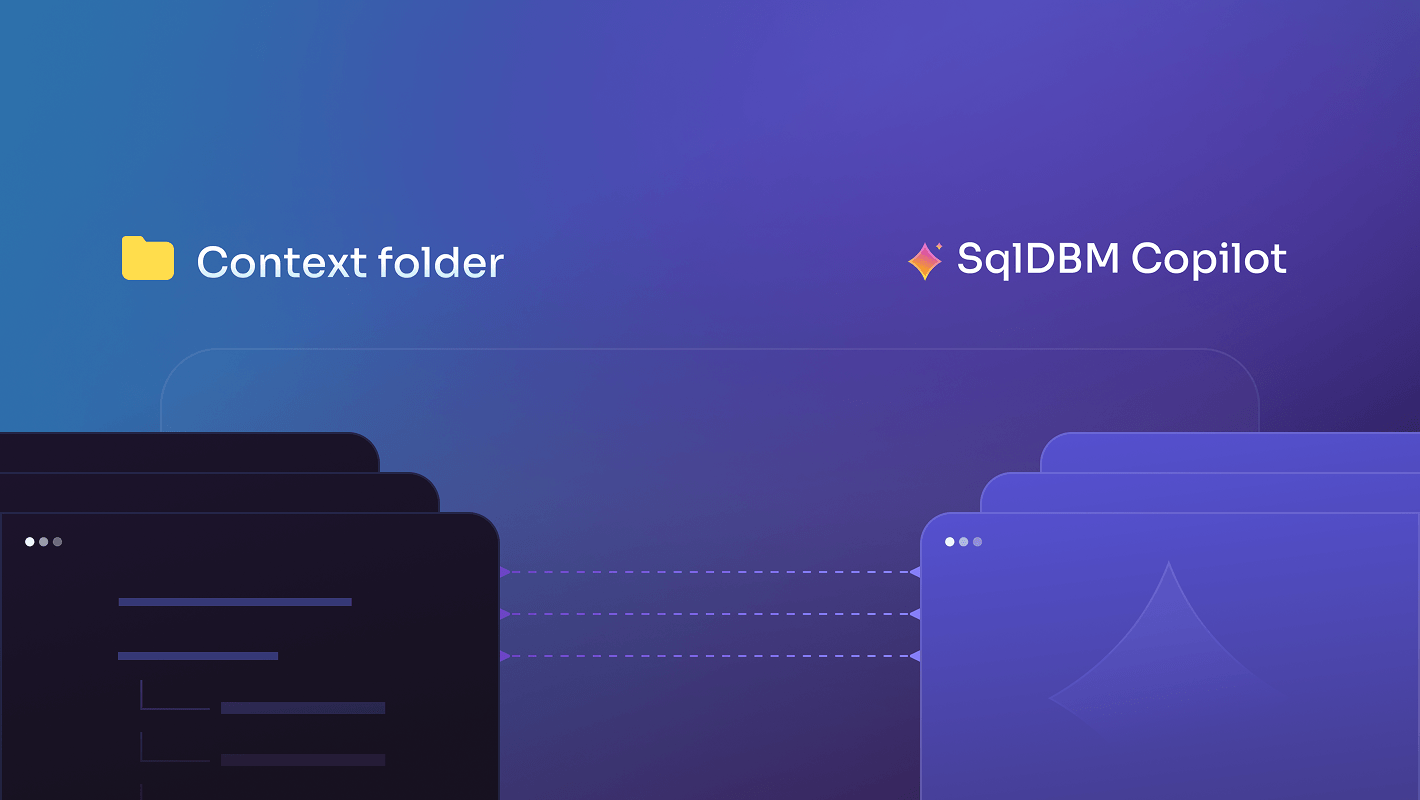
Context folder for SqlDBM Copilot
May
The SqlDBM Copilot Context Folder processes uploaded files (Excel, CSV, SQL, Images, PDF) to extract and analyze data models, DDL, documentation, and diagrams.
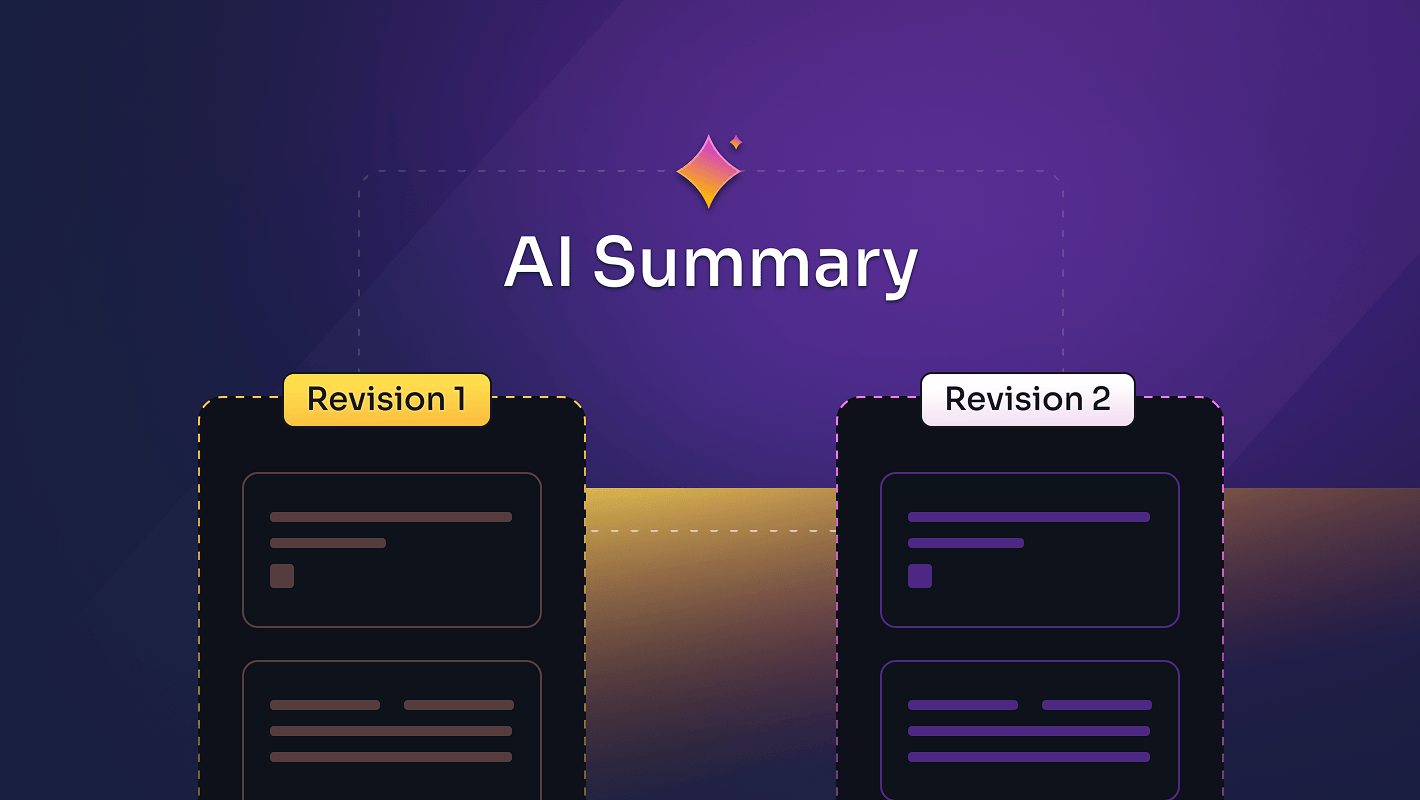
AI-generated summaries
May
The SqlDBM Copilot now adds AI-generated summaries to the Compare Revisions and Forward Engineering screens.
The SqlDBM MCP server is here
May
Your data model, now readable by AI. The model your team built in SqlDBM becomes the source of truth your AI reads its context from.
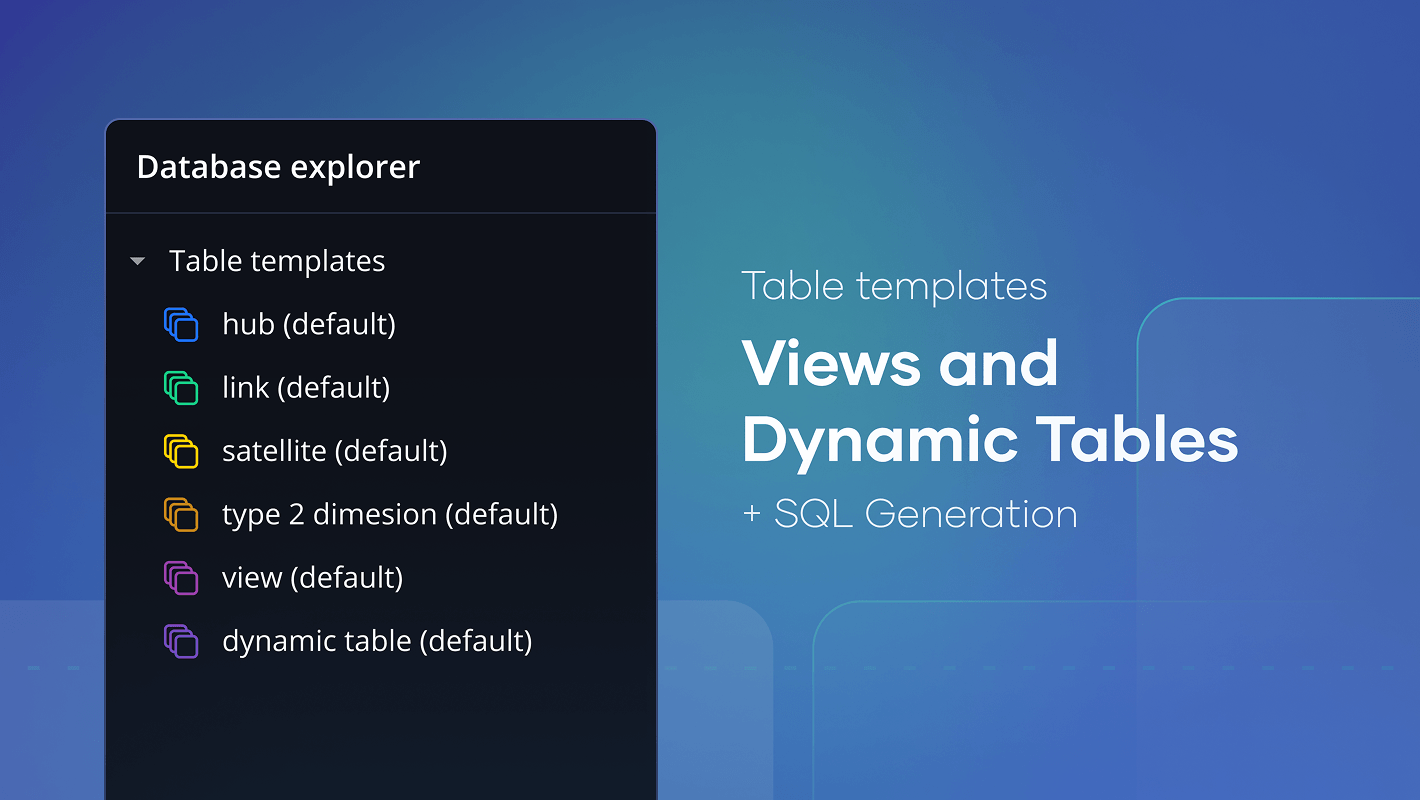
Table Templates for Views and Dynamic Tables + SQL
May
Auto-generate Snowflake views and tables from YAML templates, reducing SQL effort from hours to seconds.
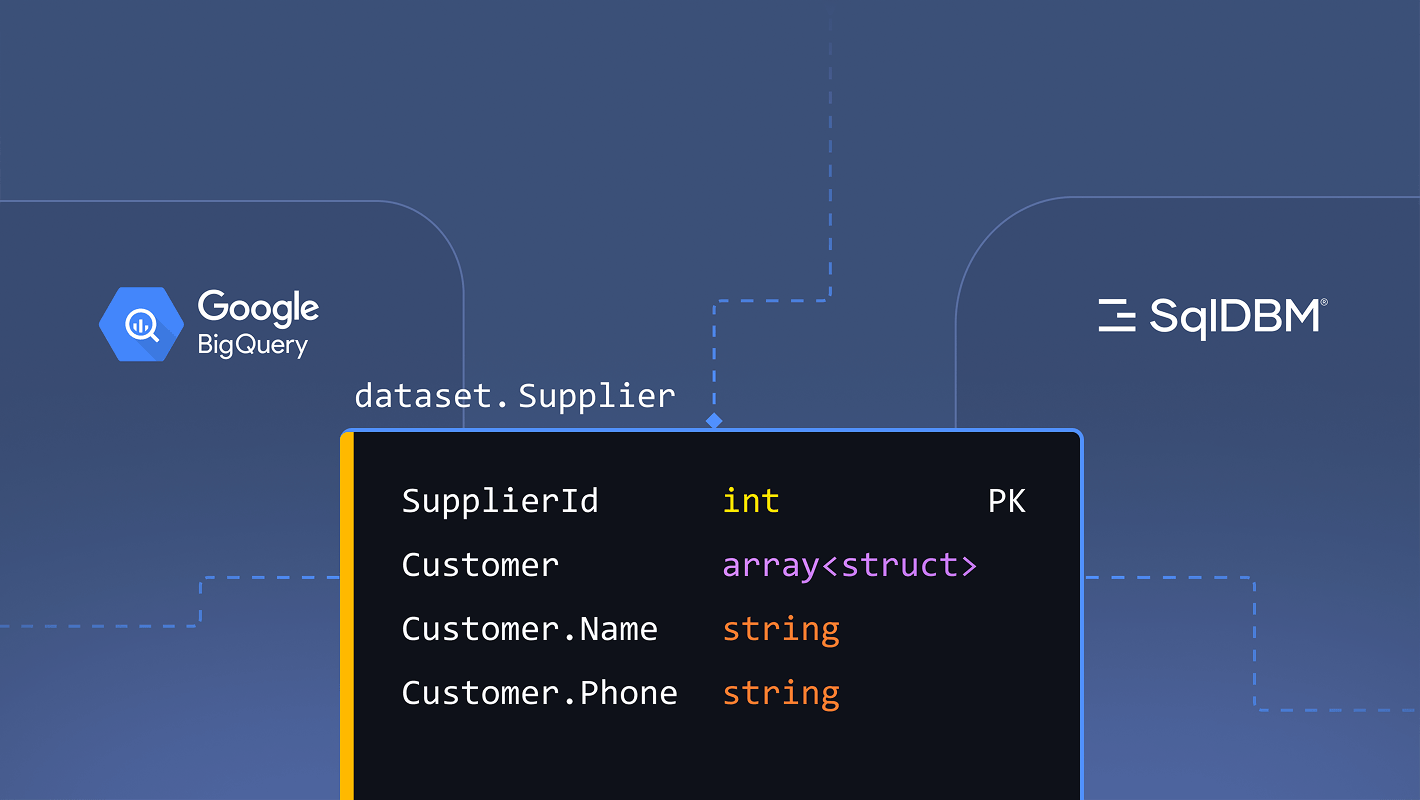
BigQuery enhancements
May
Full support for ARRAY and RANGE types (including arrays of structs), property-level Compare that goes beyond plain-text diffing, and editable columns and descriptions on views.
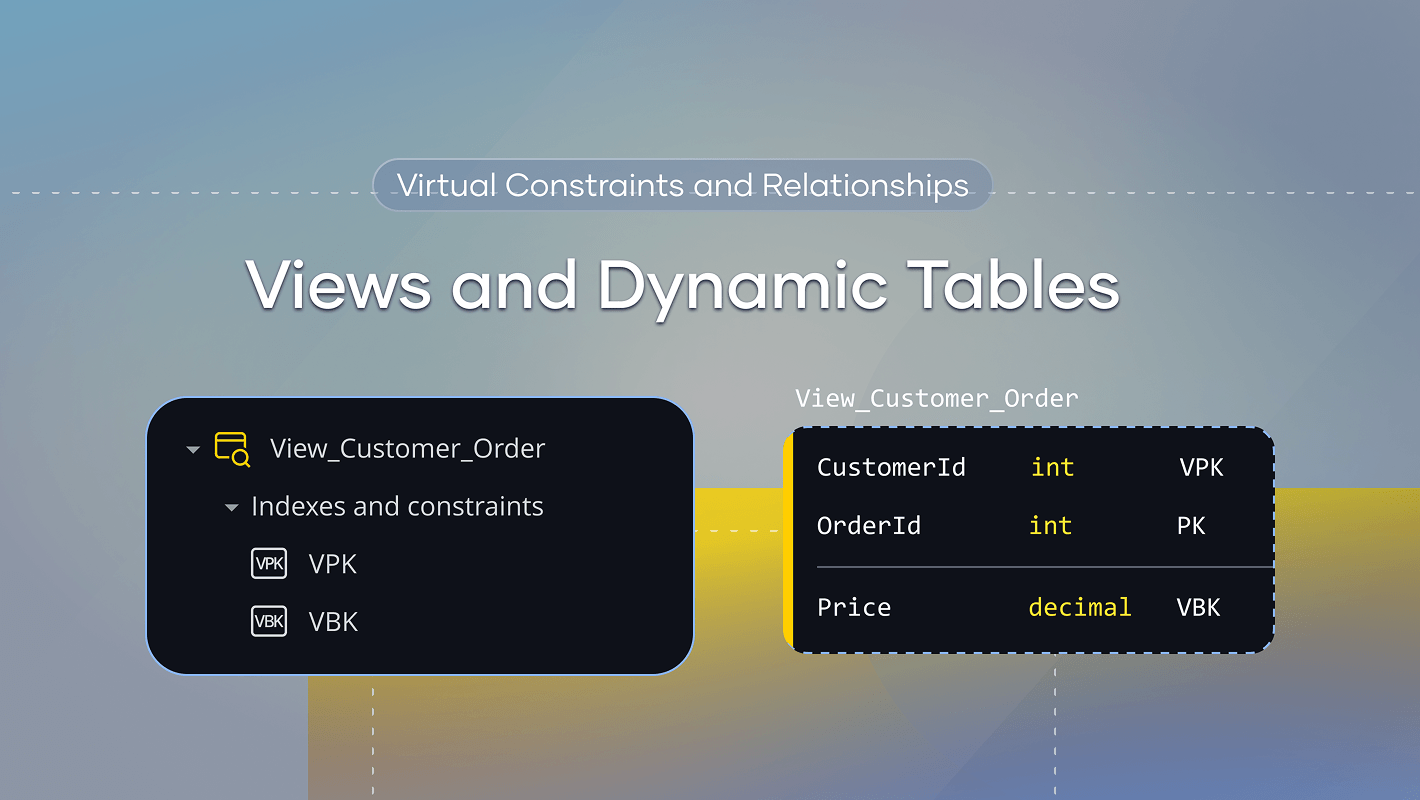
Virtual Constraints and Relationships for Views and Dynamic Tables
April
Views now support Virtual Primary Keys and Virtual Business Keys
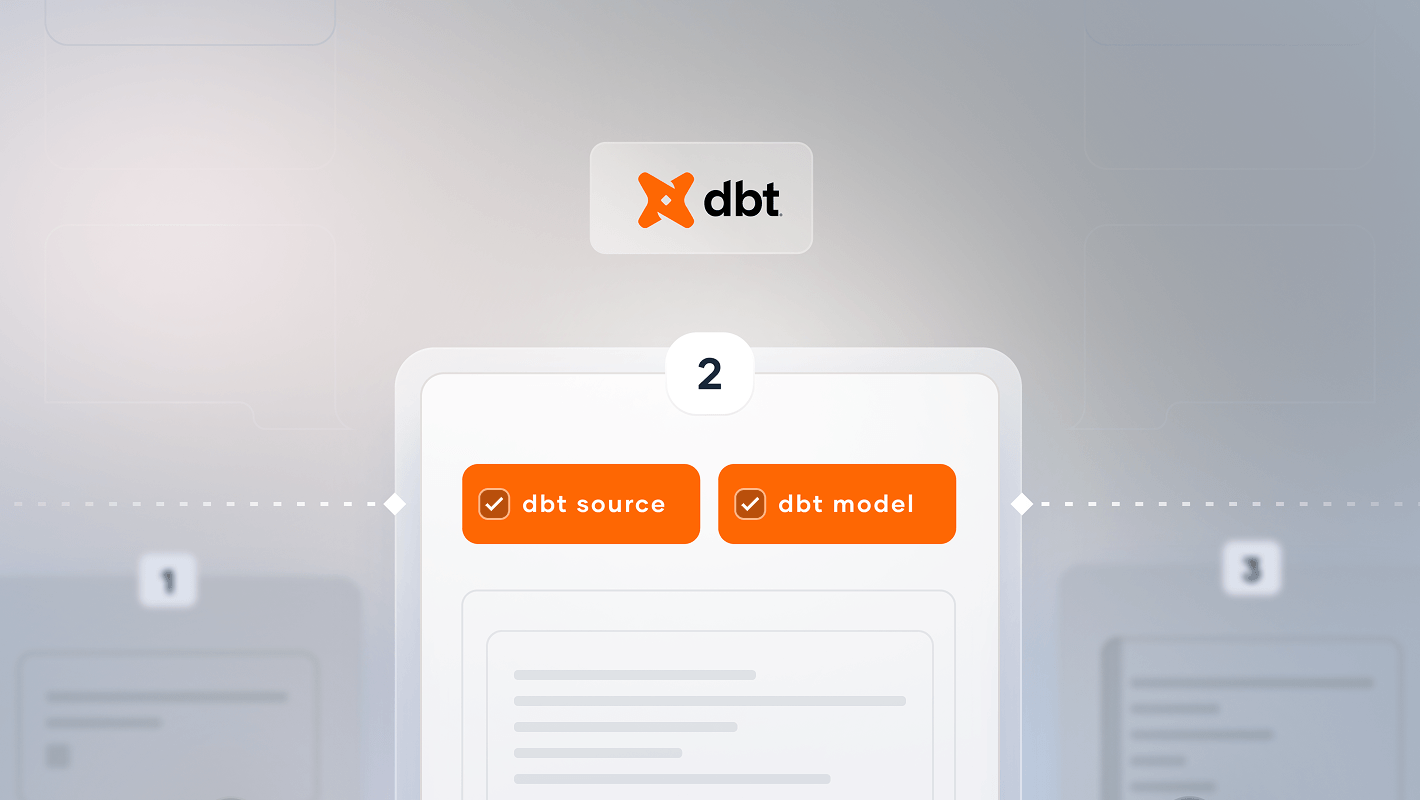
Dbt Indicators and Quick-Filters on Forward Engineering
April
Forward Engineering now adds quick-filters to instantly isolate dbt sources and models
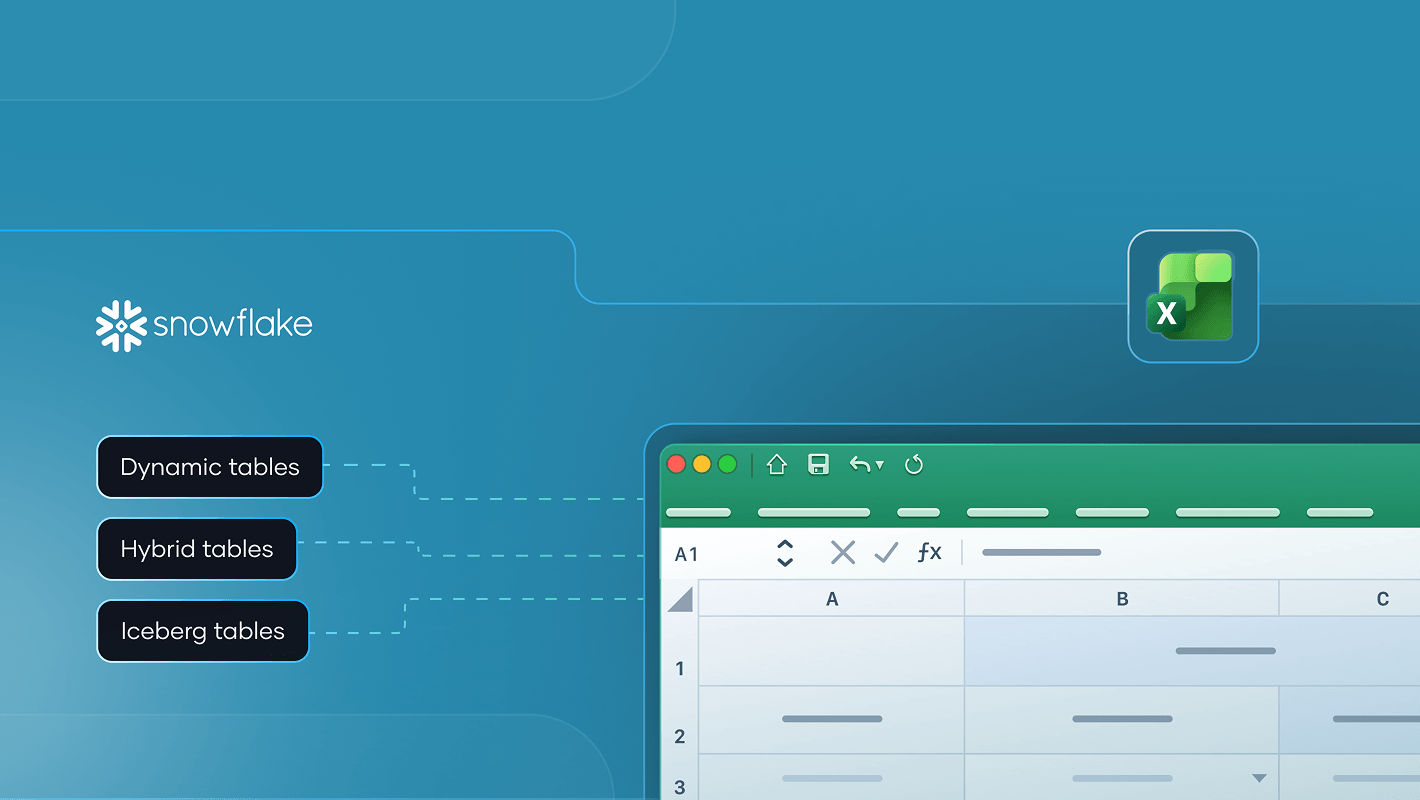
Excel Support for Snowflake Dynamic, Hybrid, and Iceberg Tables
April
Snowflake Excel upload support for Dynamic, Hybrid and Iceberg tables
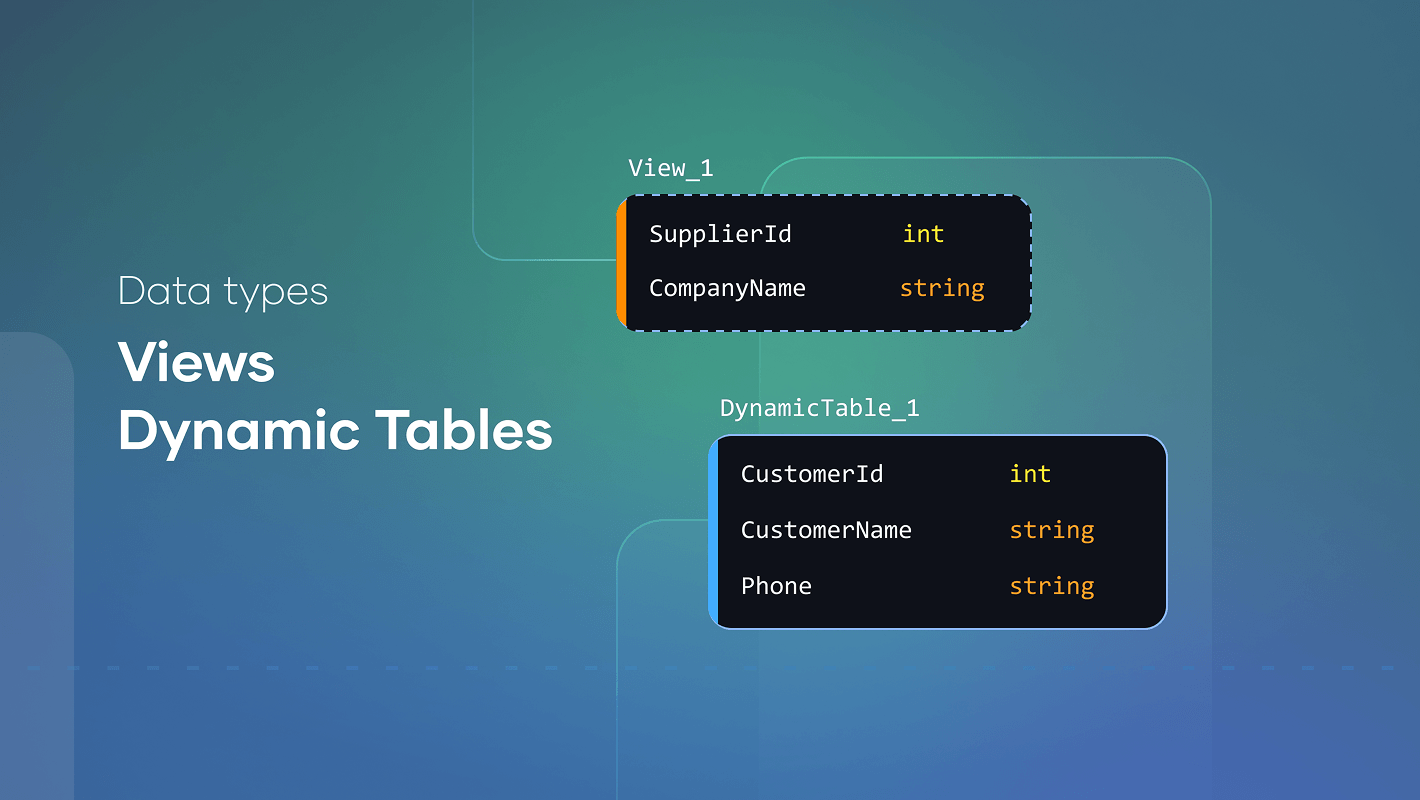
Data types for Views and Dynamic tables
April
Views and Dynamic Tables now support visible, editable data types as metadata
POST API
April
For automated, system-driven project changes
Redshift views
March
Redshift news and native syntax support
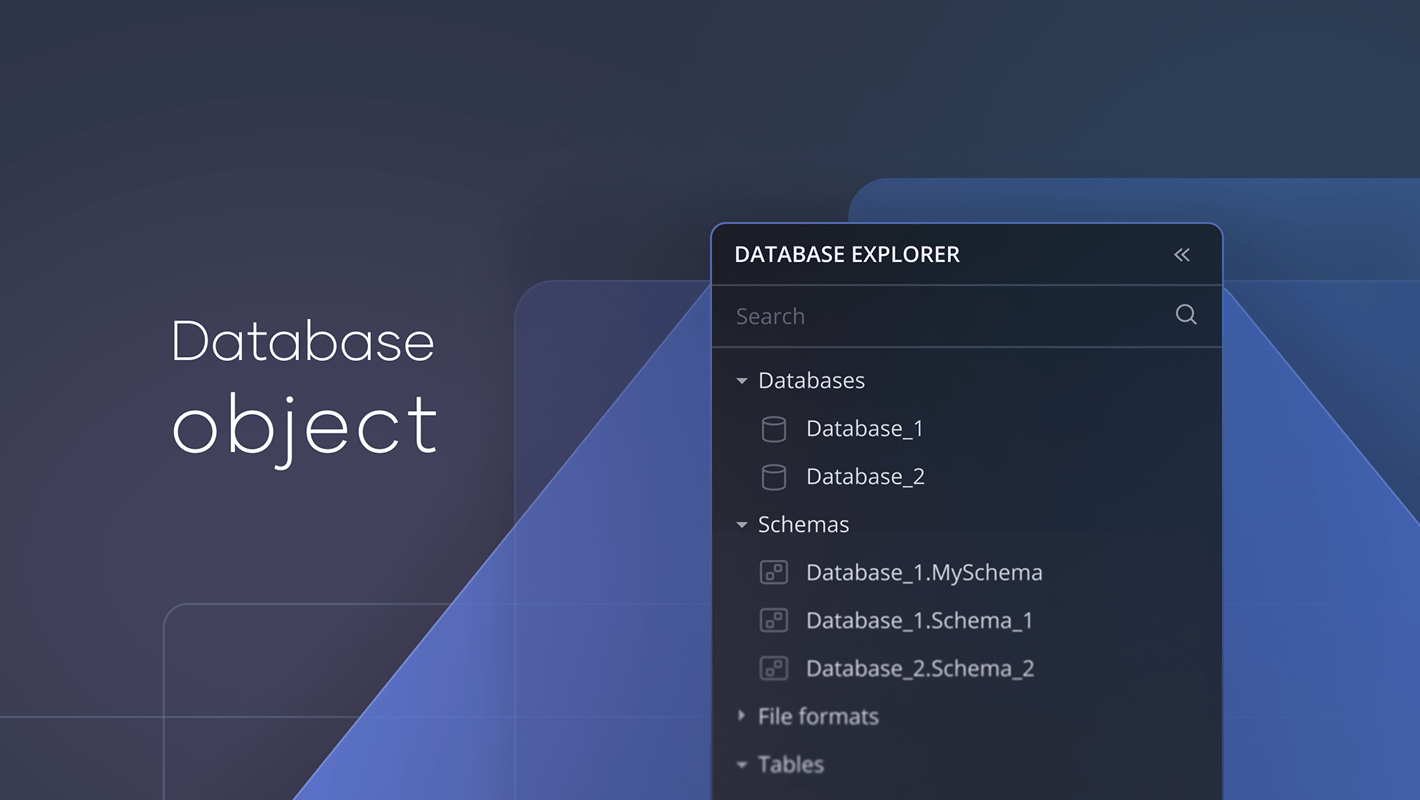
Database object support
March
SqlDBM now supports database.schema.object naming for greater modeling precision.
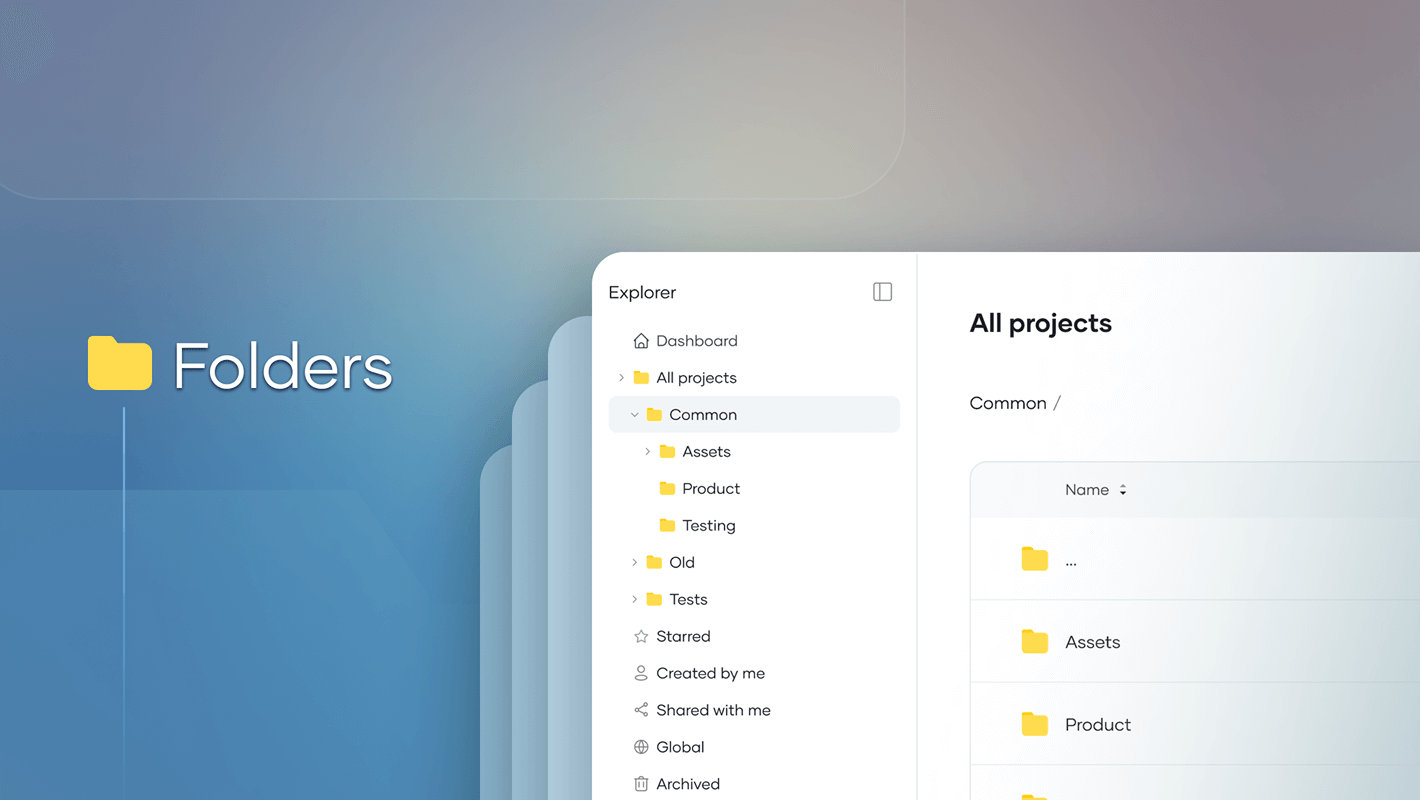
Organize projects with nested folders
March
You can now group projects into dashboard folders with unlimited nesting.
Import dbt Refs as Dependencies
March
Uploading a dbt manifest now creates virtual dependency relationships from dbt refs.
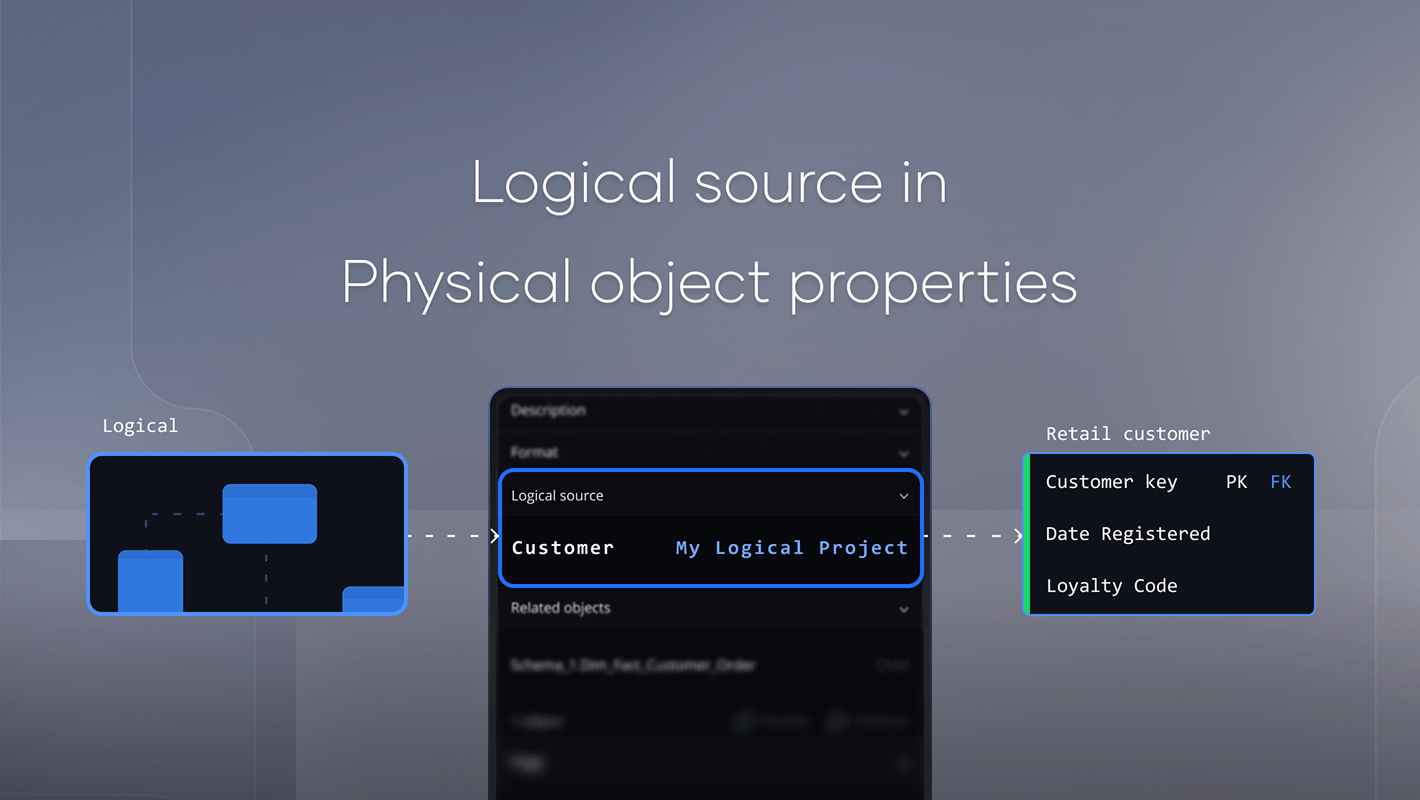
Logical Source Traceability
March
Connect physical objects back to logical models.
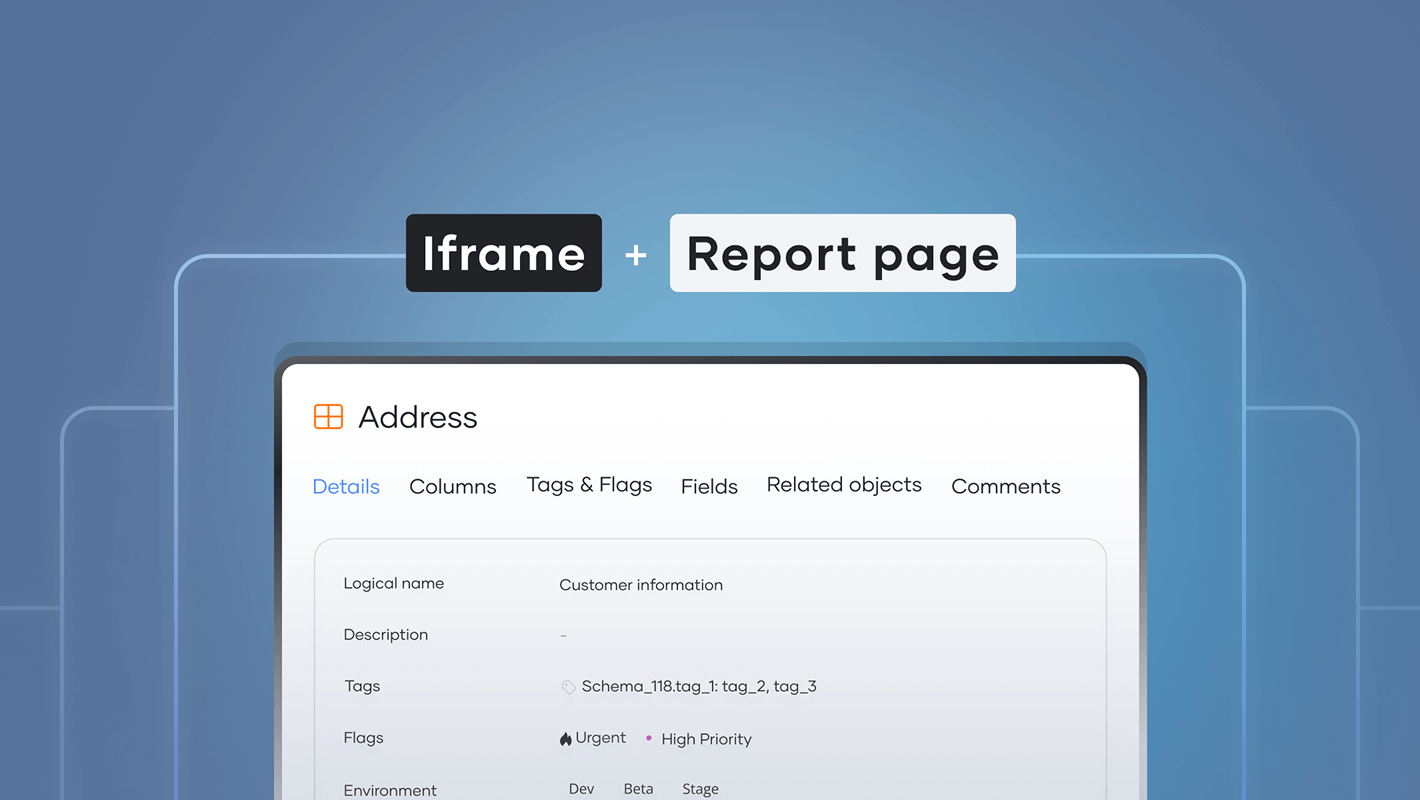
Embed Governance Reports
March
Embed documentation anywhere.
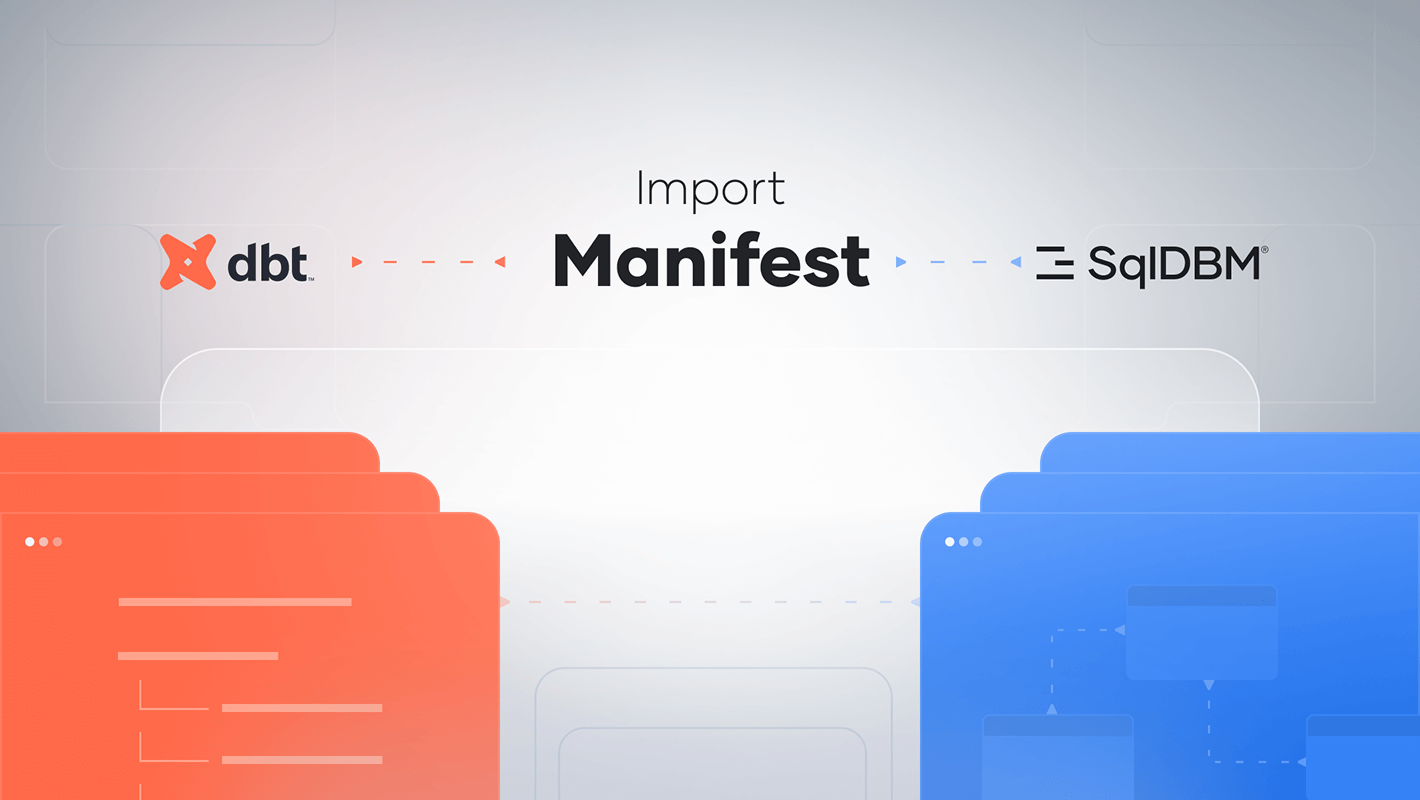
dbt import manifest
February
Bridge the gap between your data models and dbt projects with dbt Manifest Import
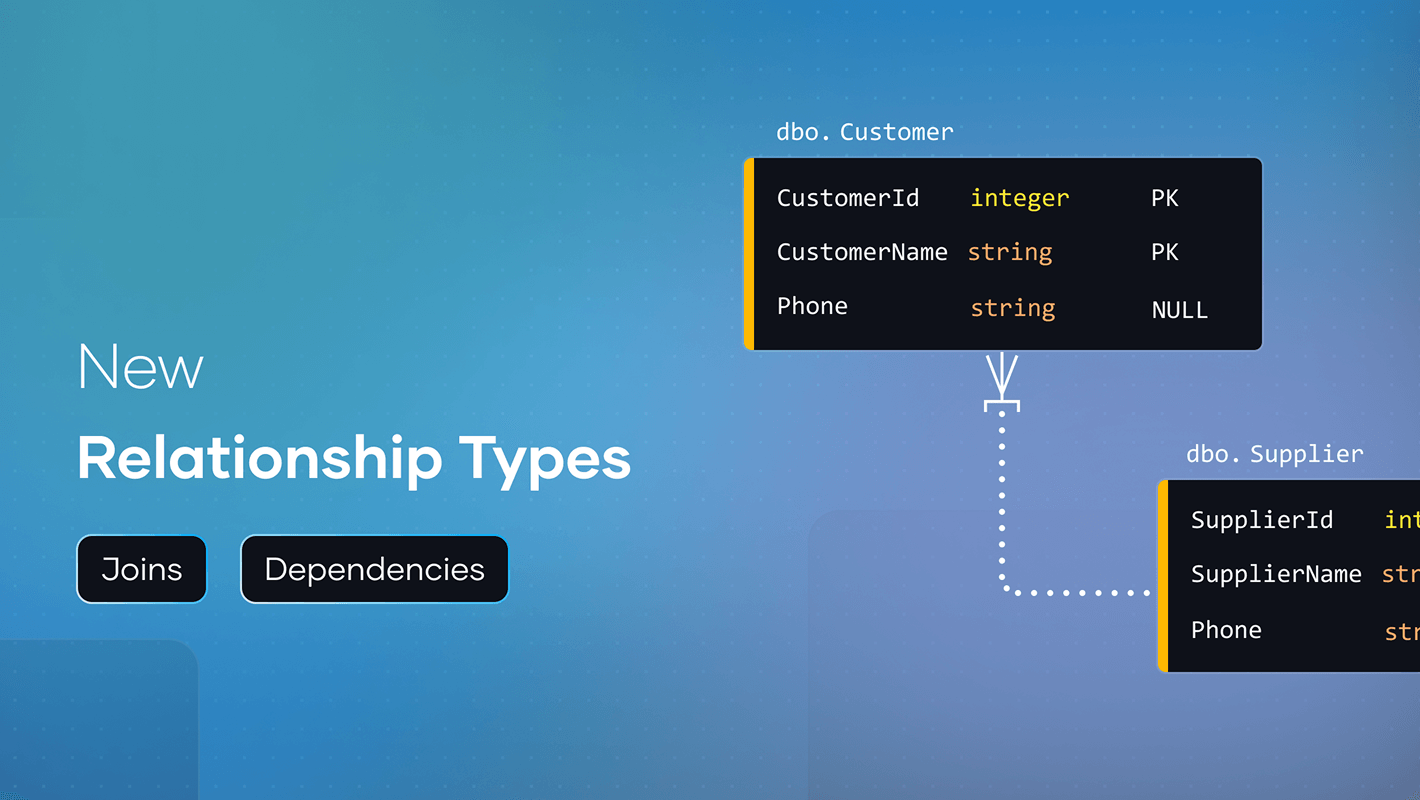
New relationship types
February
Model logical joins and data lineage with new virtual relationships
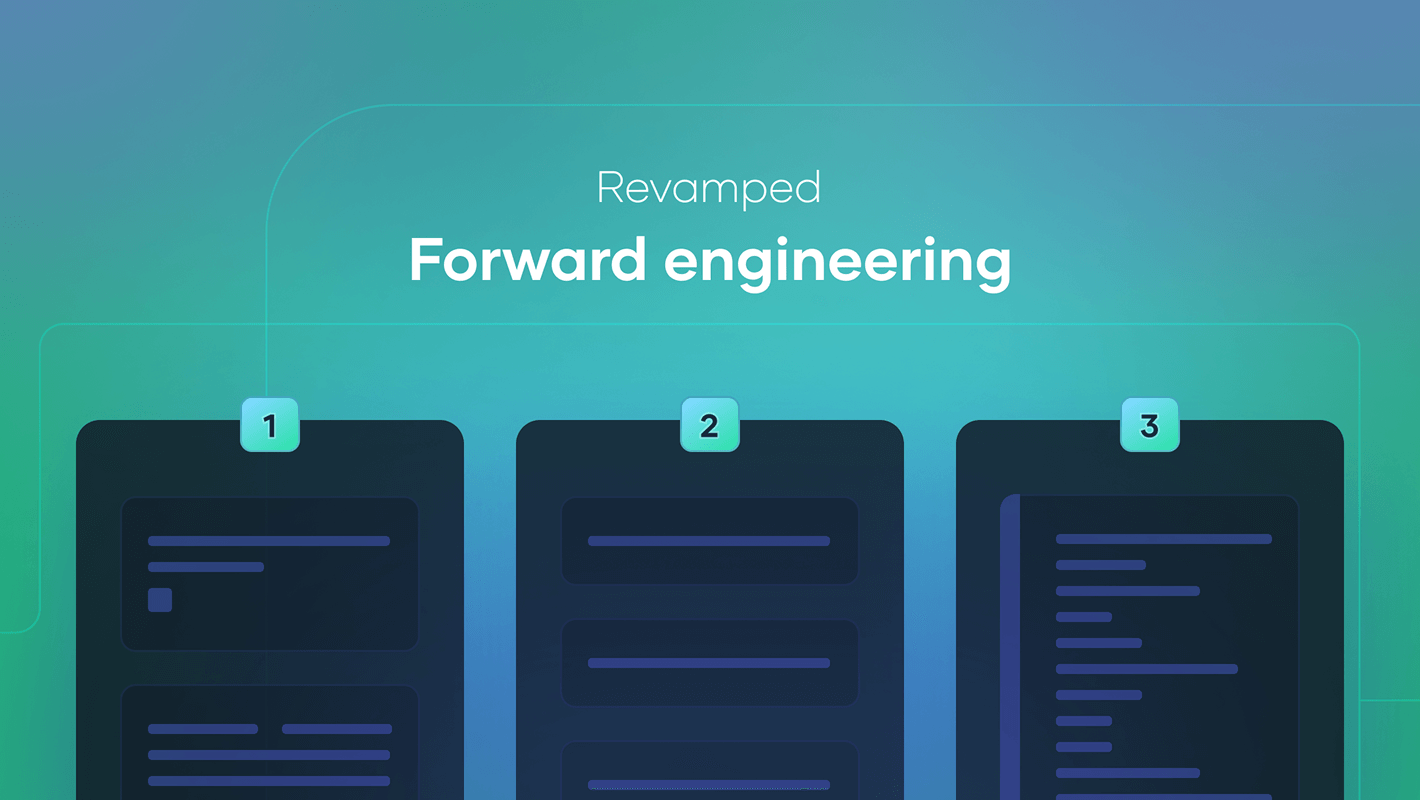
Revamped Forward Engineering screen
January
The FE screen is now more streamlined and intuitive
2025
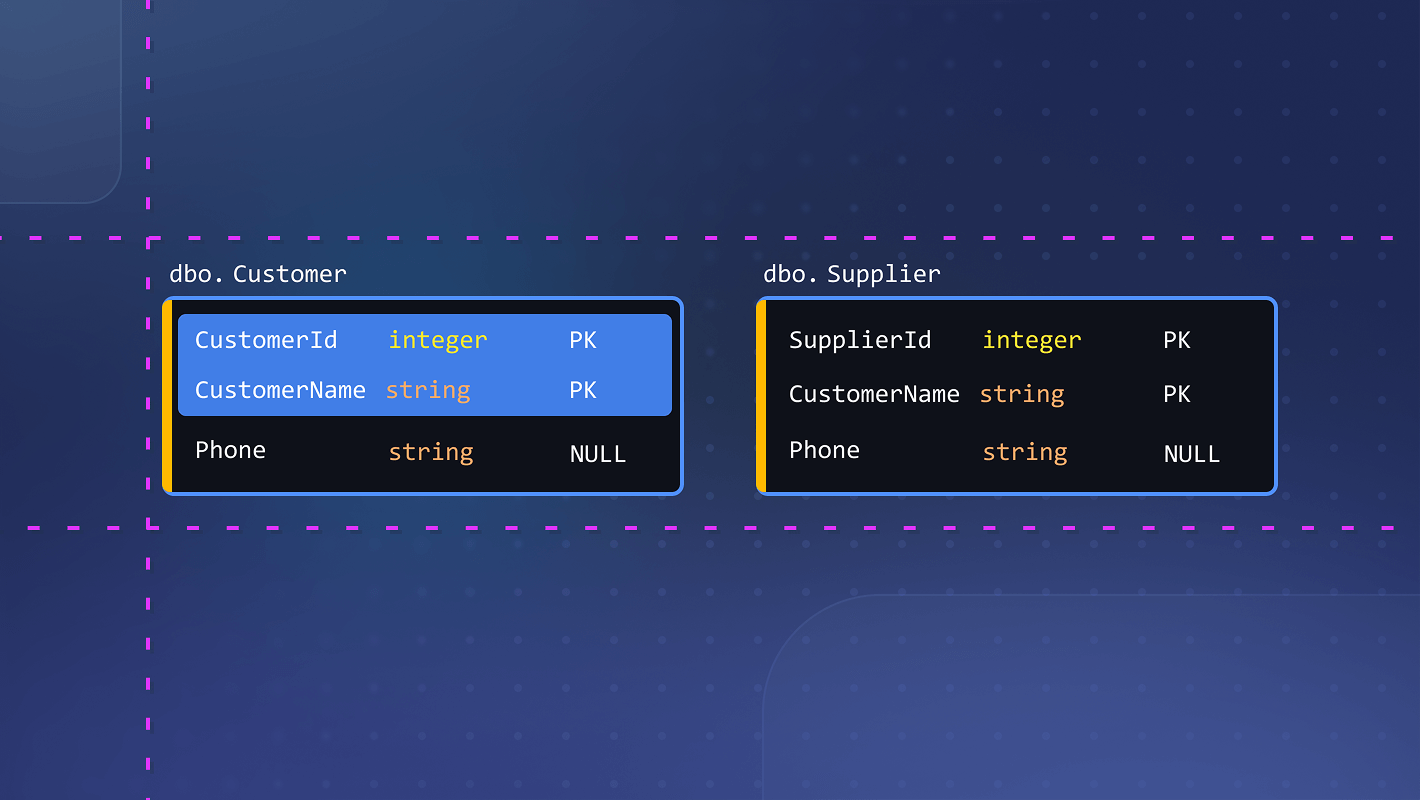
Diagram enhancements
December
Improved auto-layout, snap-to-grid, alignment guides, and full line reshaping!
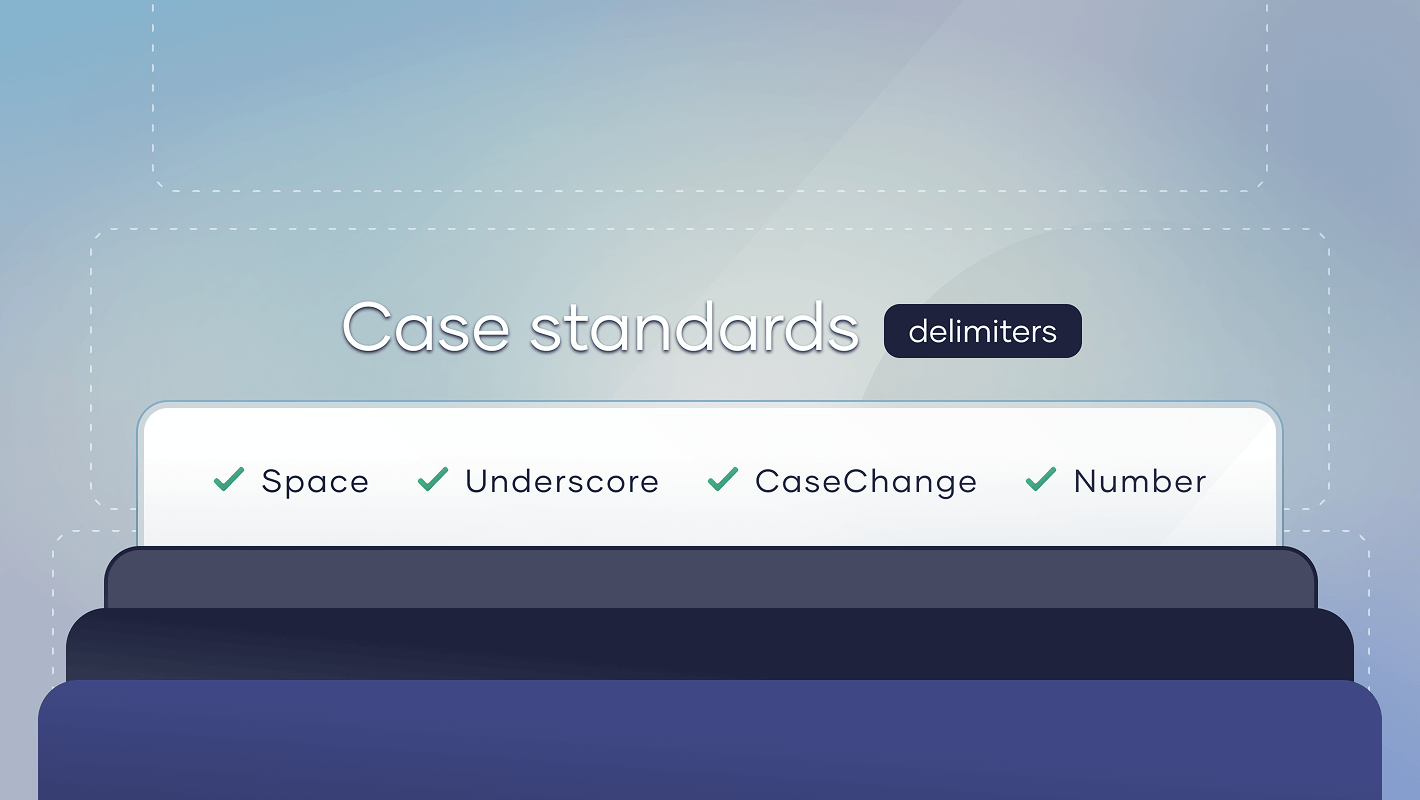
Case standards delimiters
December
Fine-tune word boundaries for control over underscores, numbers, and case changes
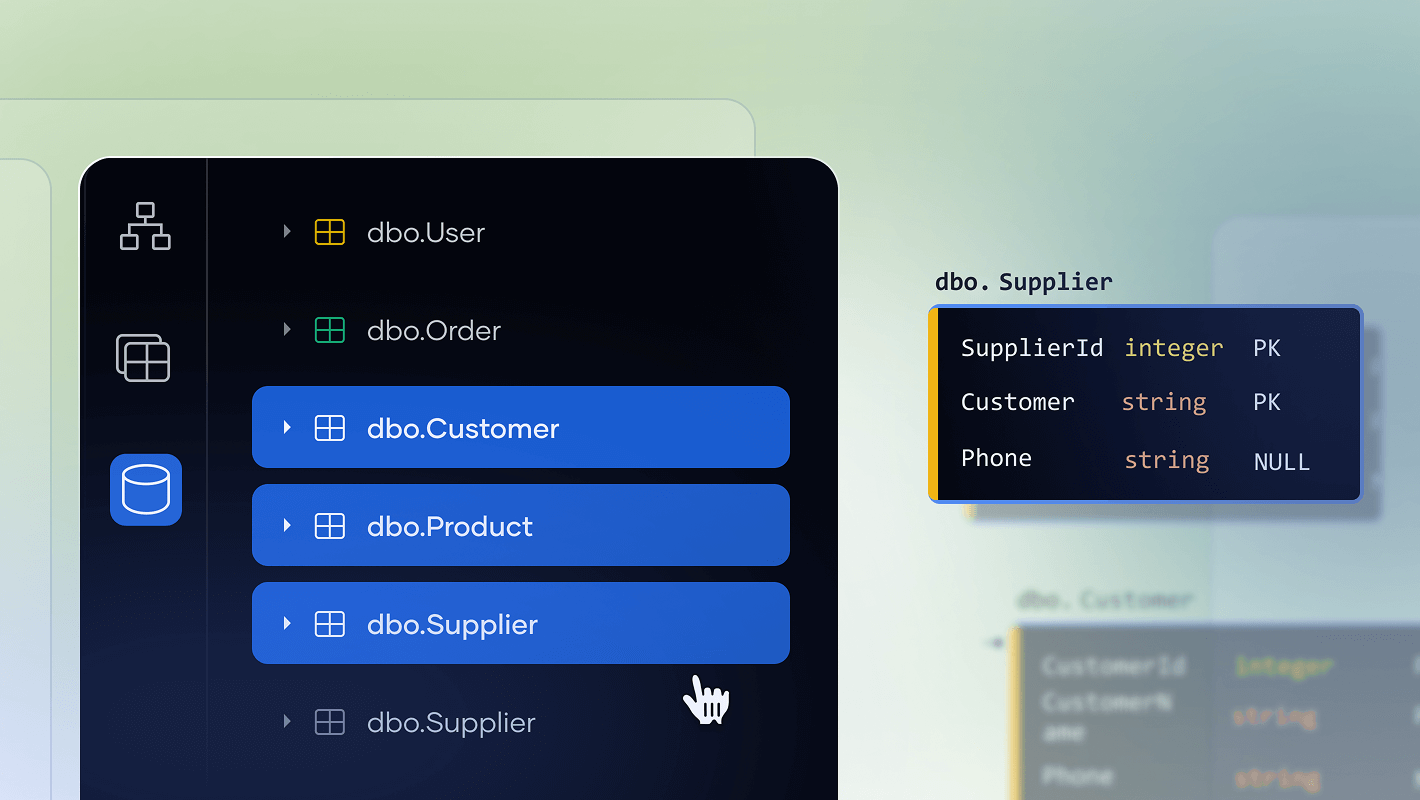
Workflow improvements
December
FK linking respects column position, and Explorer menus allow Shift+Click multi-select
AI Copilot · beta
November
An AI data modeling assistant that supercharges your productivity
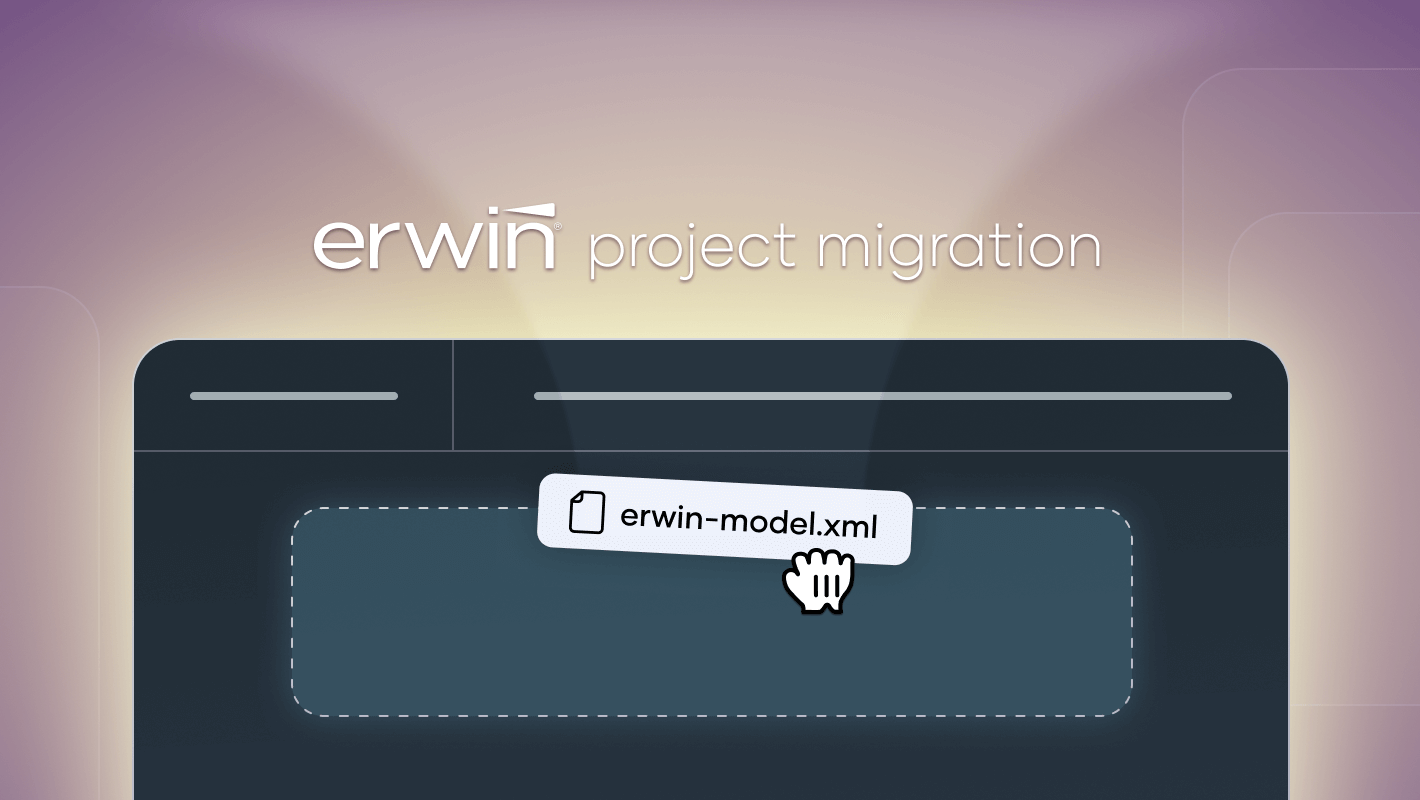
ERwin conversion · beta
November
Migrate objects, diagrams, and subject areas from ERwin to SqlDBM
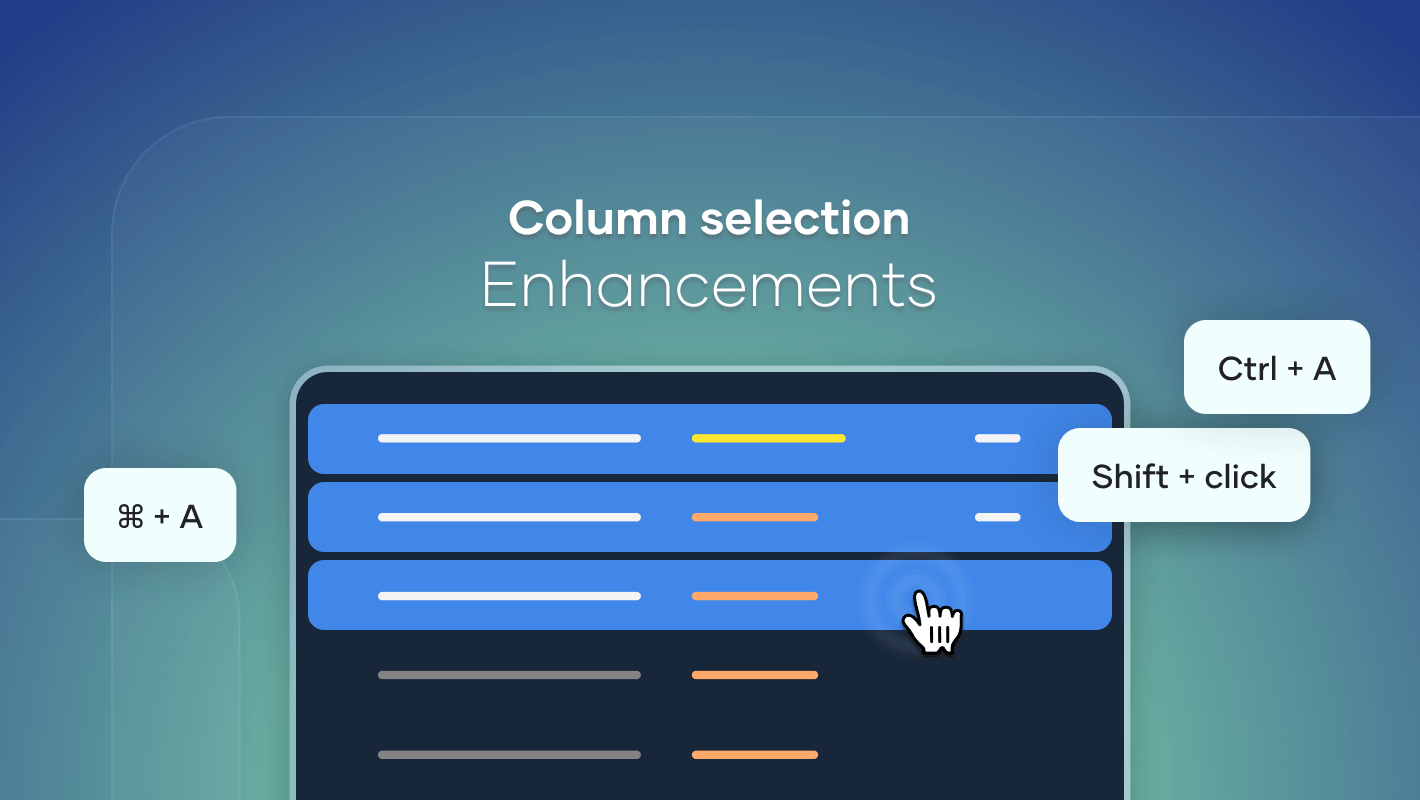
Enhanced column selection
November
Support for select-all (Ctrl+A) and multiselect (Shift+click) on columns
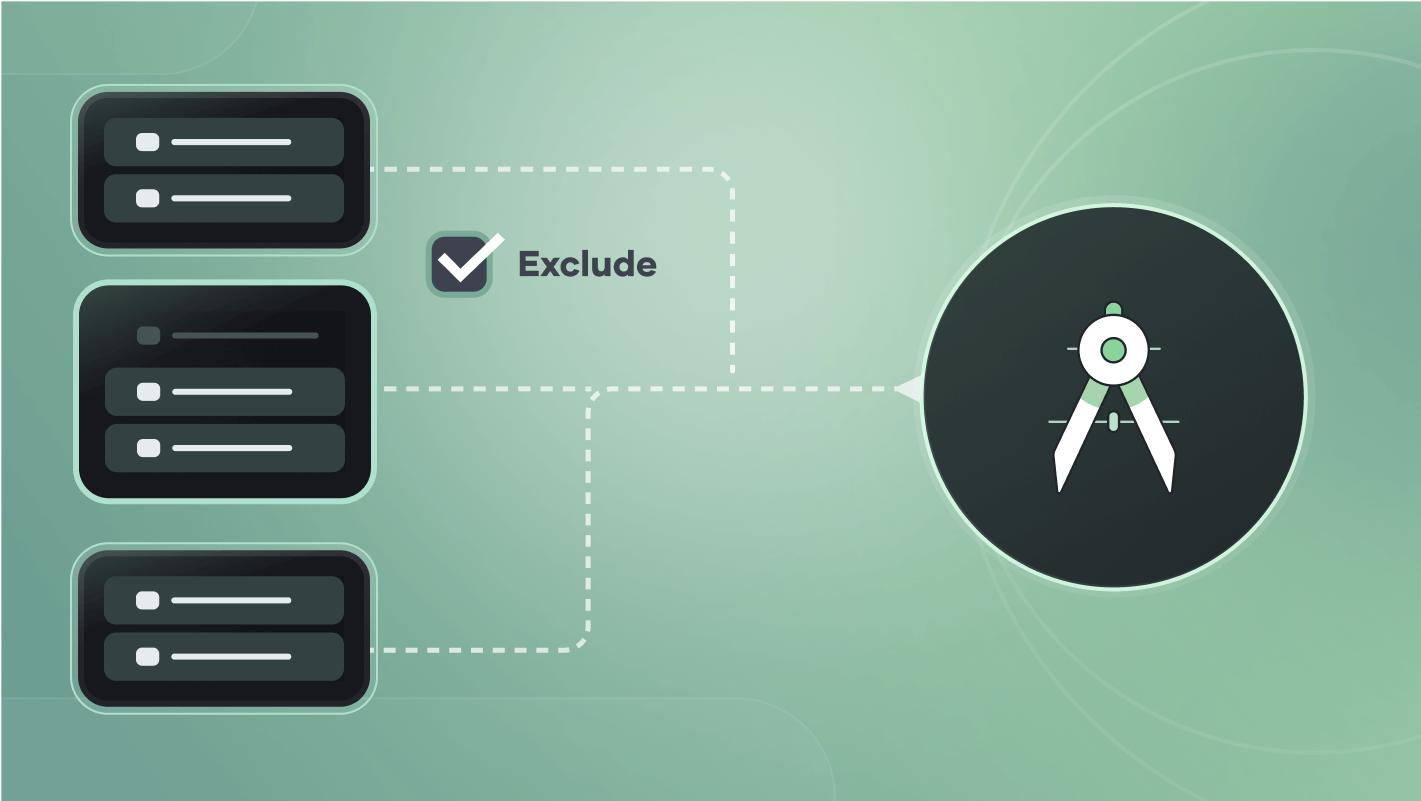
Exempt Objects From Standards
September
Flag objects to ignore naming, case, or glossary rules
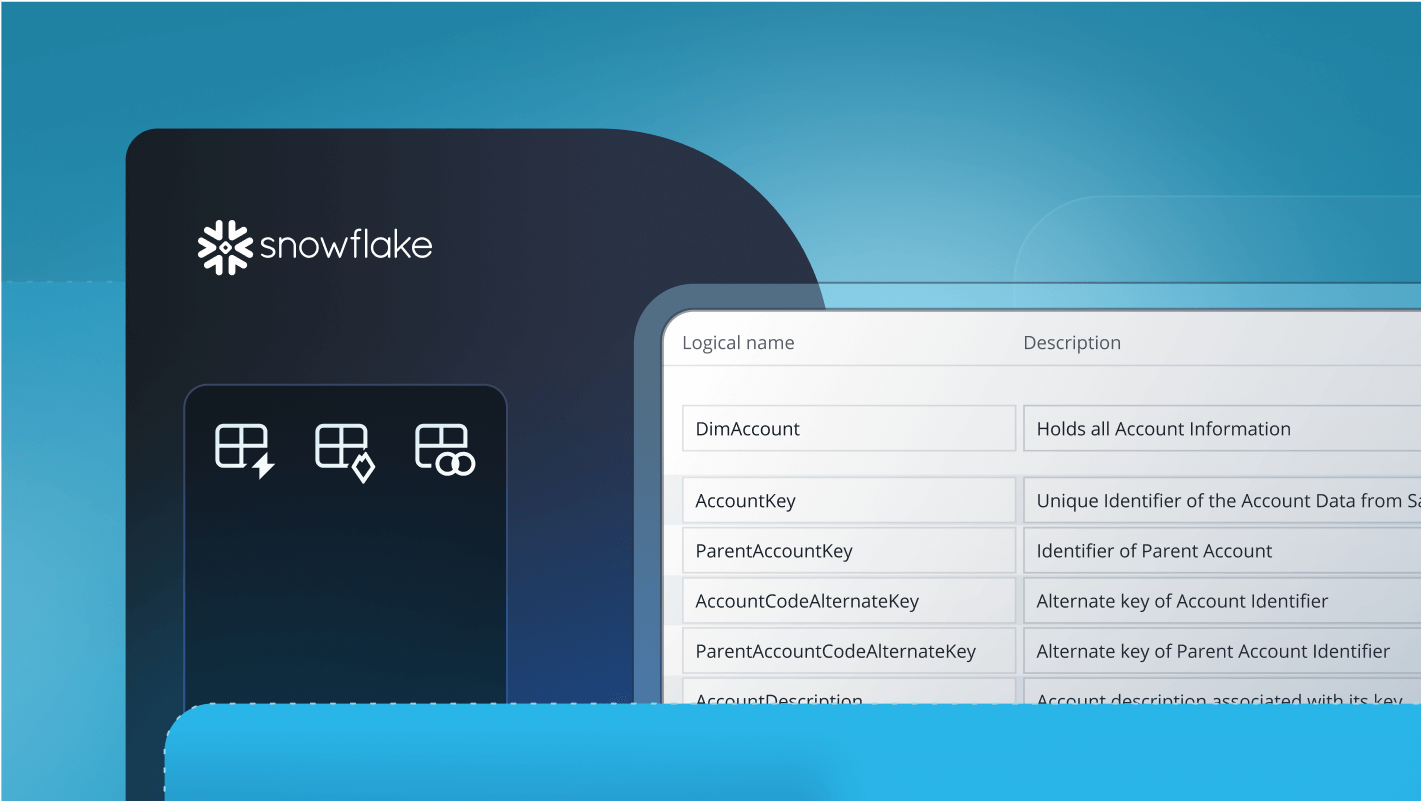
Added Functionality for Snowflake’s New Object Types
September
Iceberg, Dynamic, and Hybrid tables supported in Database Documentation and compare
Model Governance
September
Fields and Pages editing and merging in Concurrent Working branches
Snowflake Iceberg Tables
September
Full native support for all catalog types and properties
Snowflake Hybrid Tables
September
Full native support for all properties and indexes
Snowflake Dynamic Tables
August
Full native support for Dynamic tables, their logic, and properties
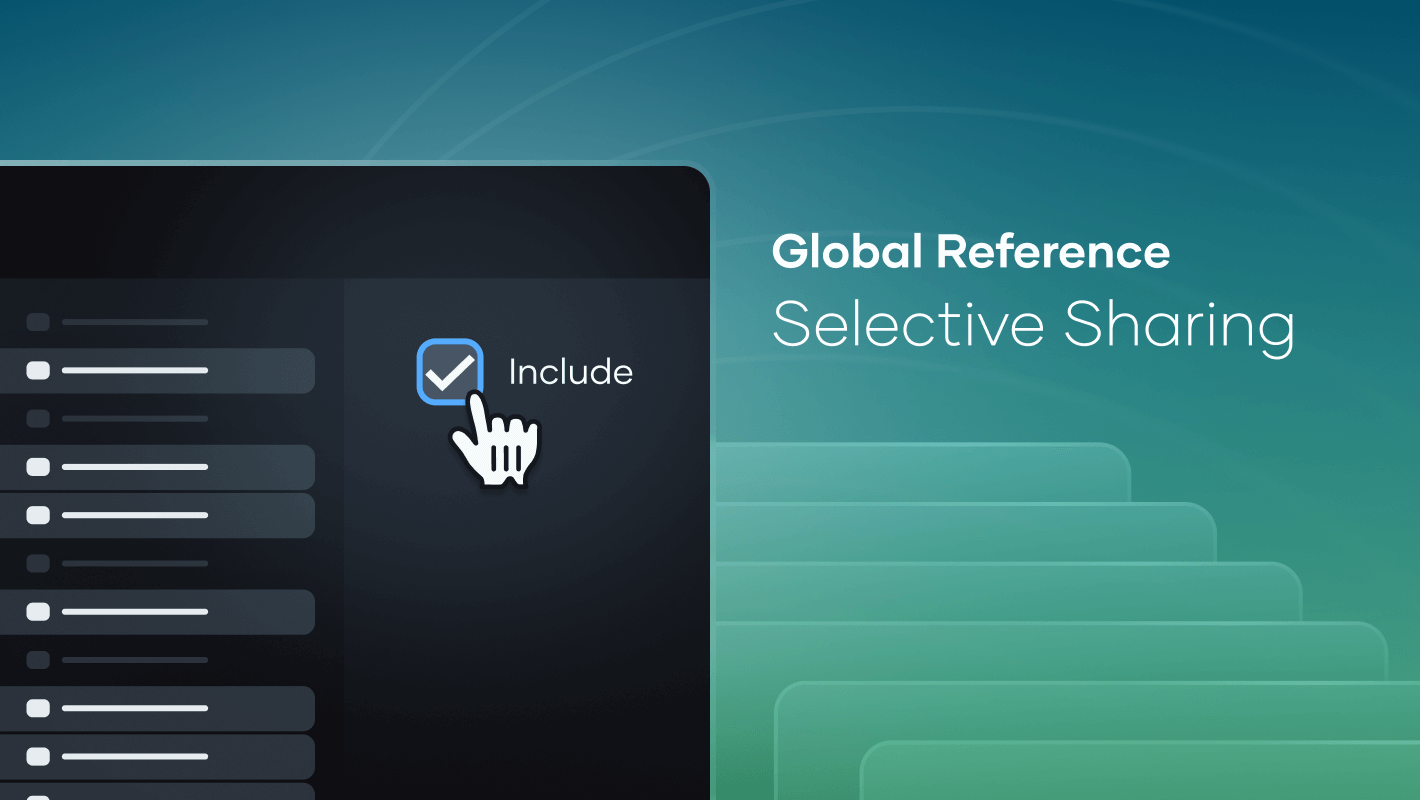
Global Reference Selective Sharing
August
Exclude items from Global Reference at object or schema level
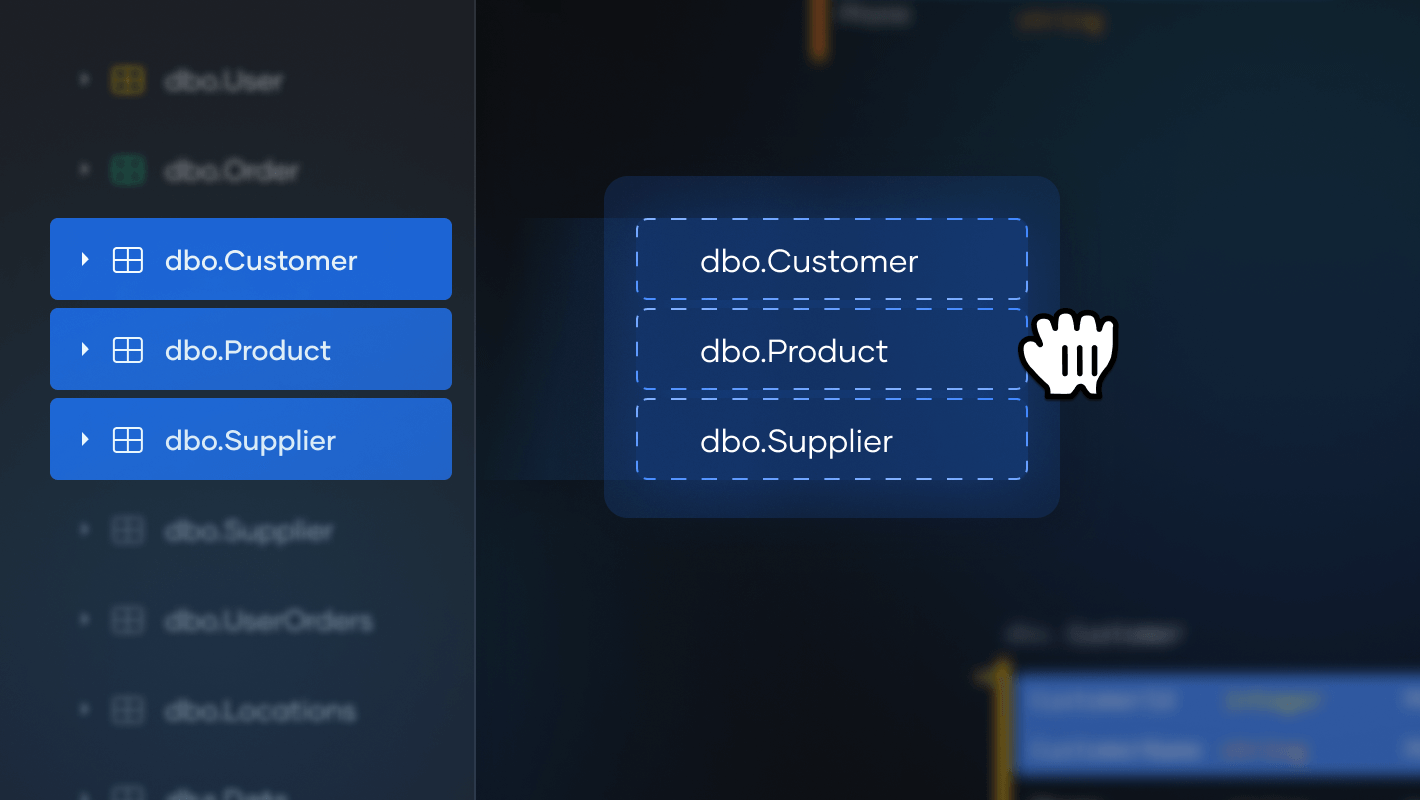
Drag-and-drop
August
Drag-and-drop functionality for objects in Diagram Explorer
Performance enhancements
August
Cancel/reselect revisions mid-compare and schema filtering on Database Documentation
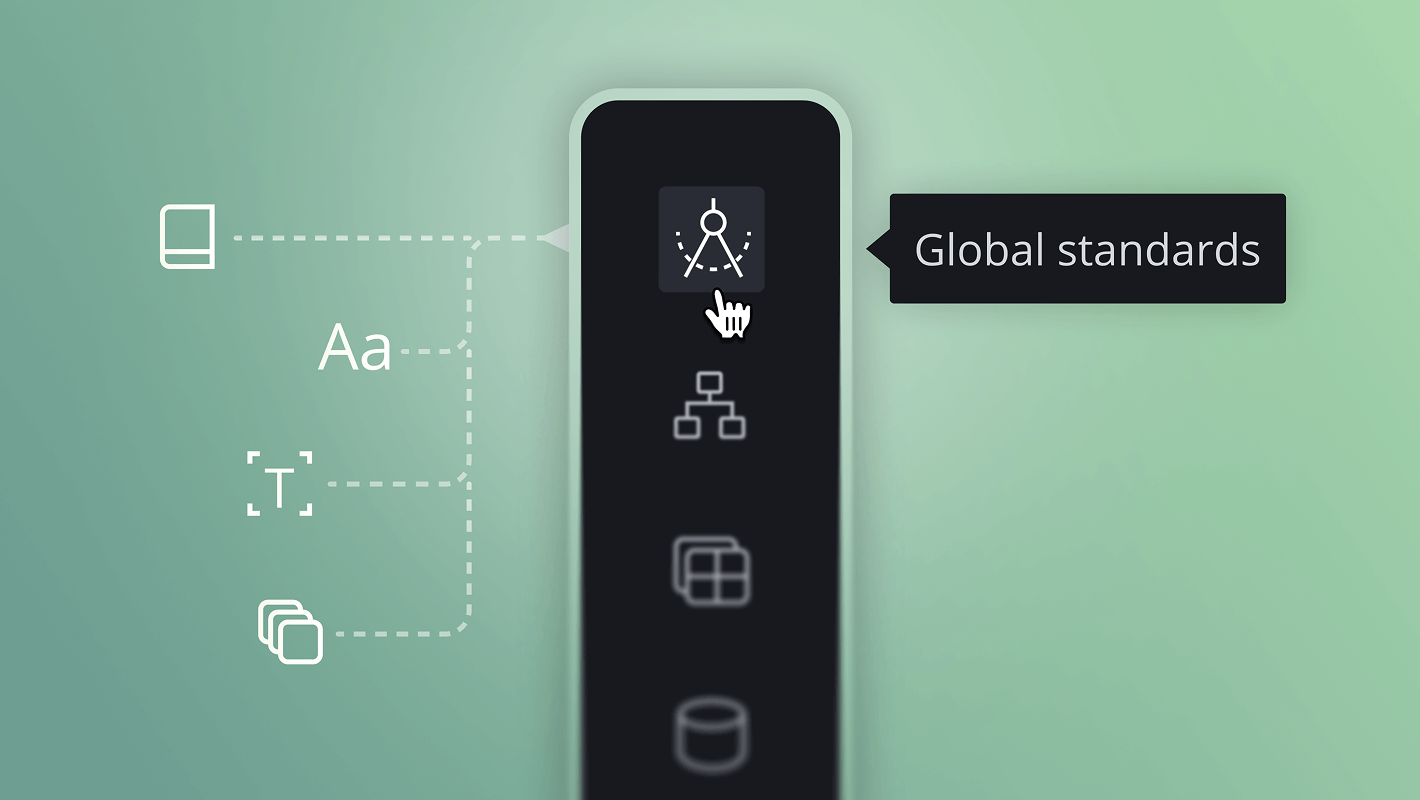
Global Standards
July
Map predefined standards to your existing projects
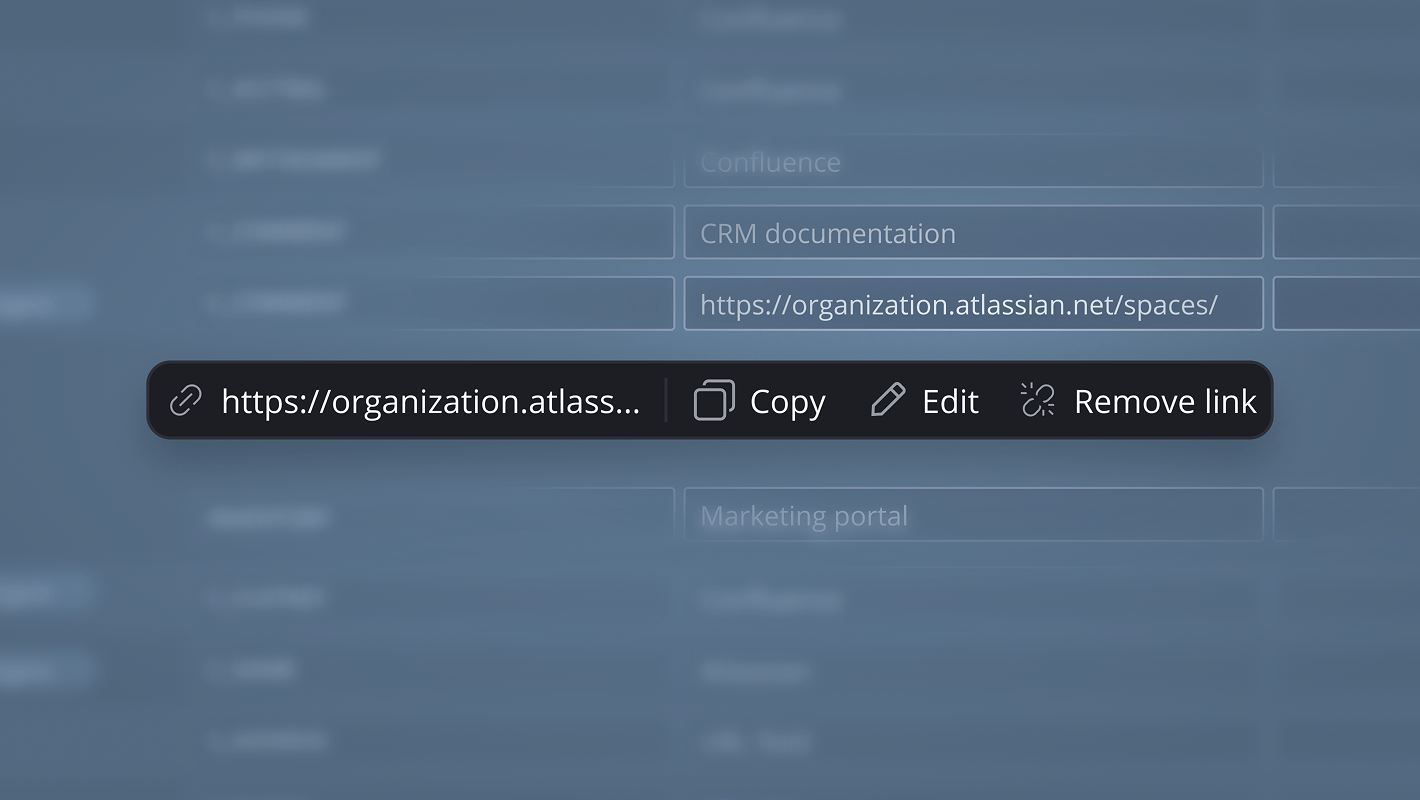
New URL field type
July
Navigable links can now be included alongside your objects
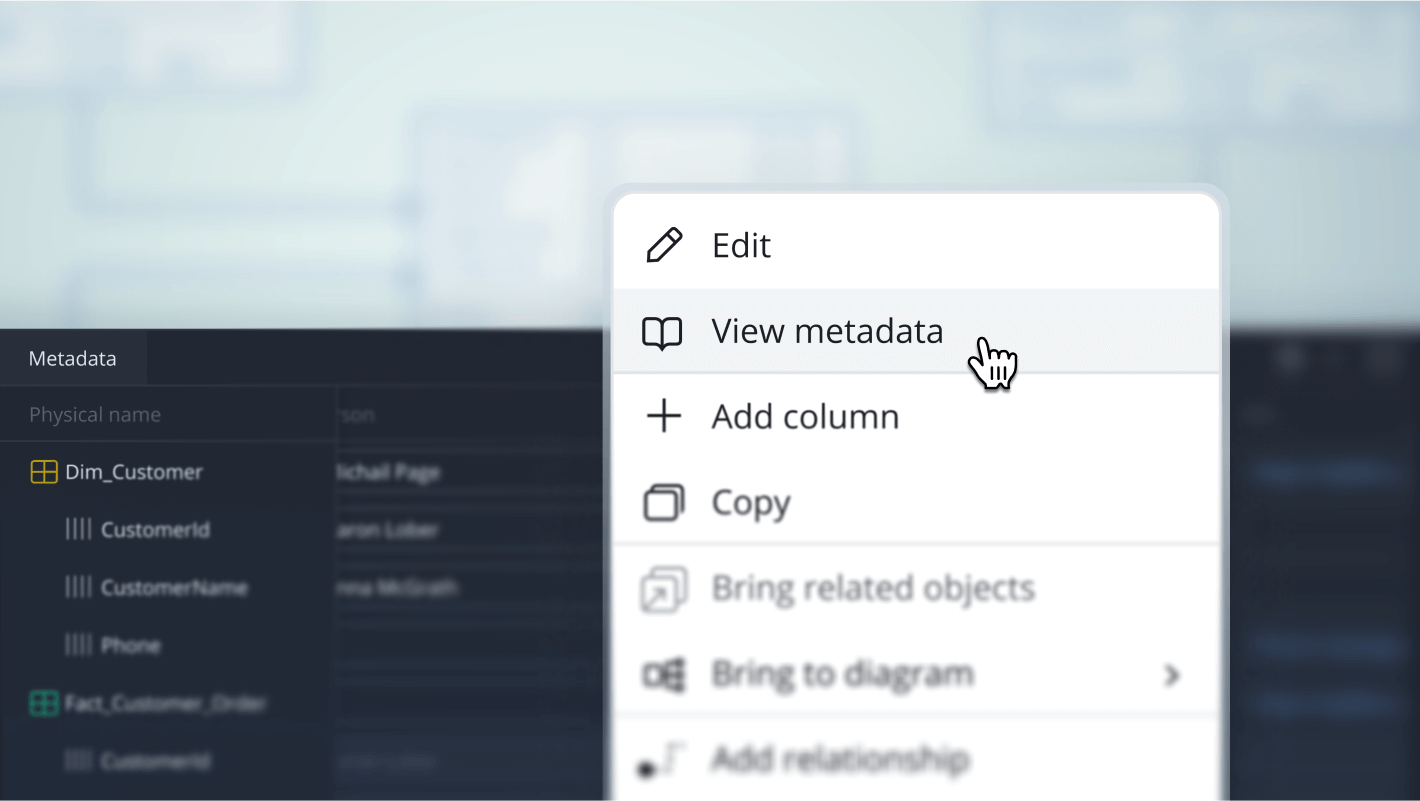
Manage fields from diagrams
July
Model Governance fields are now easily accessible directly from the diagram
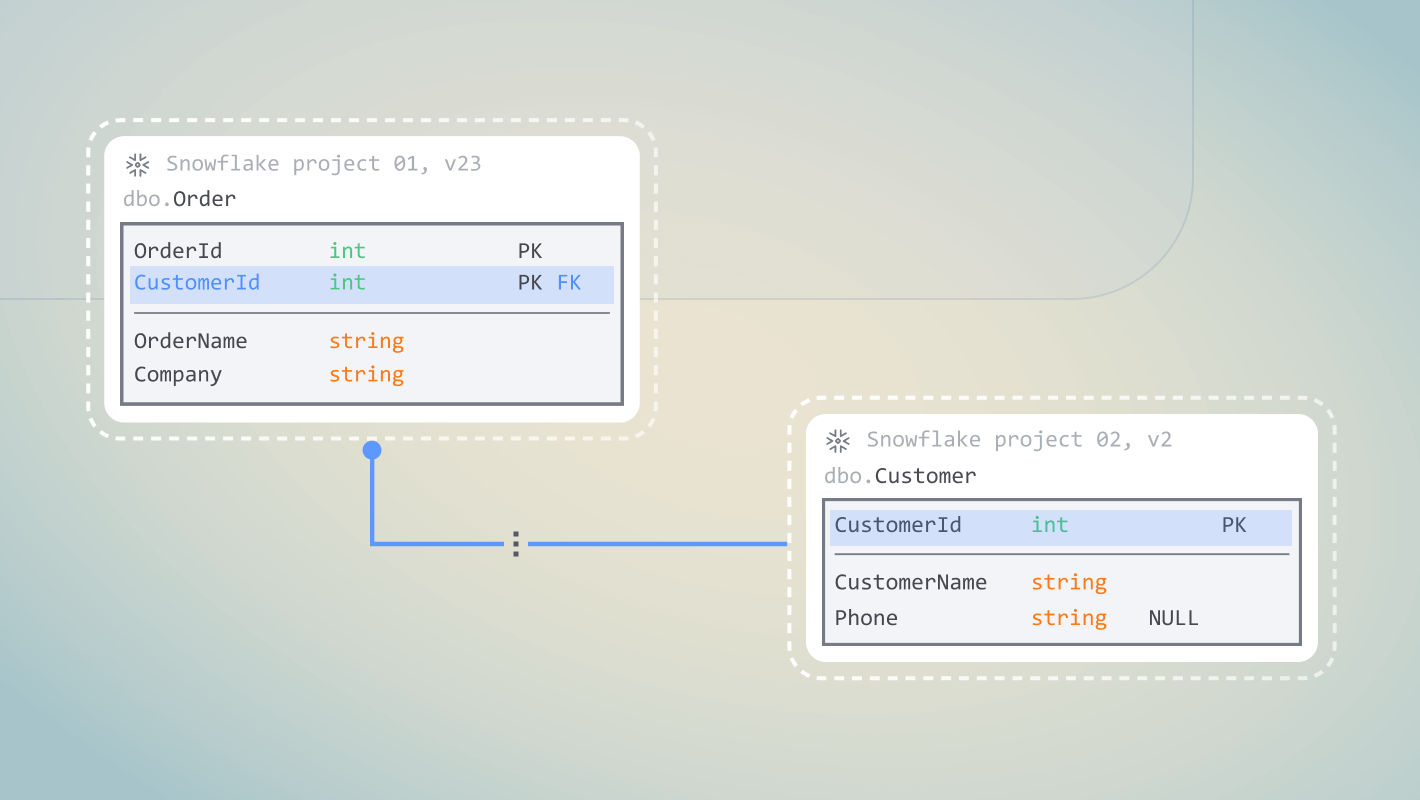
Display FKs between referenced objects
June
View existing relationships among global objects without needing to navigate away from the local project
Snowflake compare by properties
June
Performance and visual improvements using properties instead of text
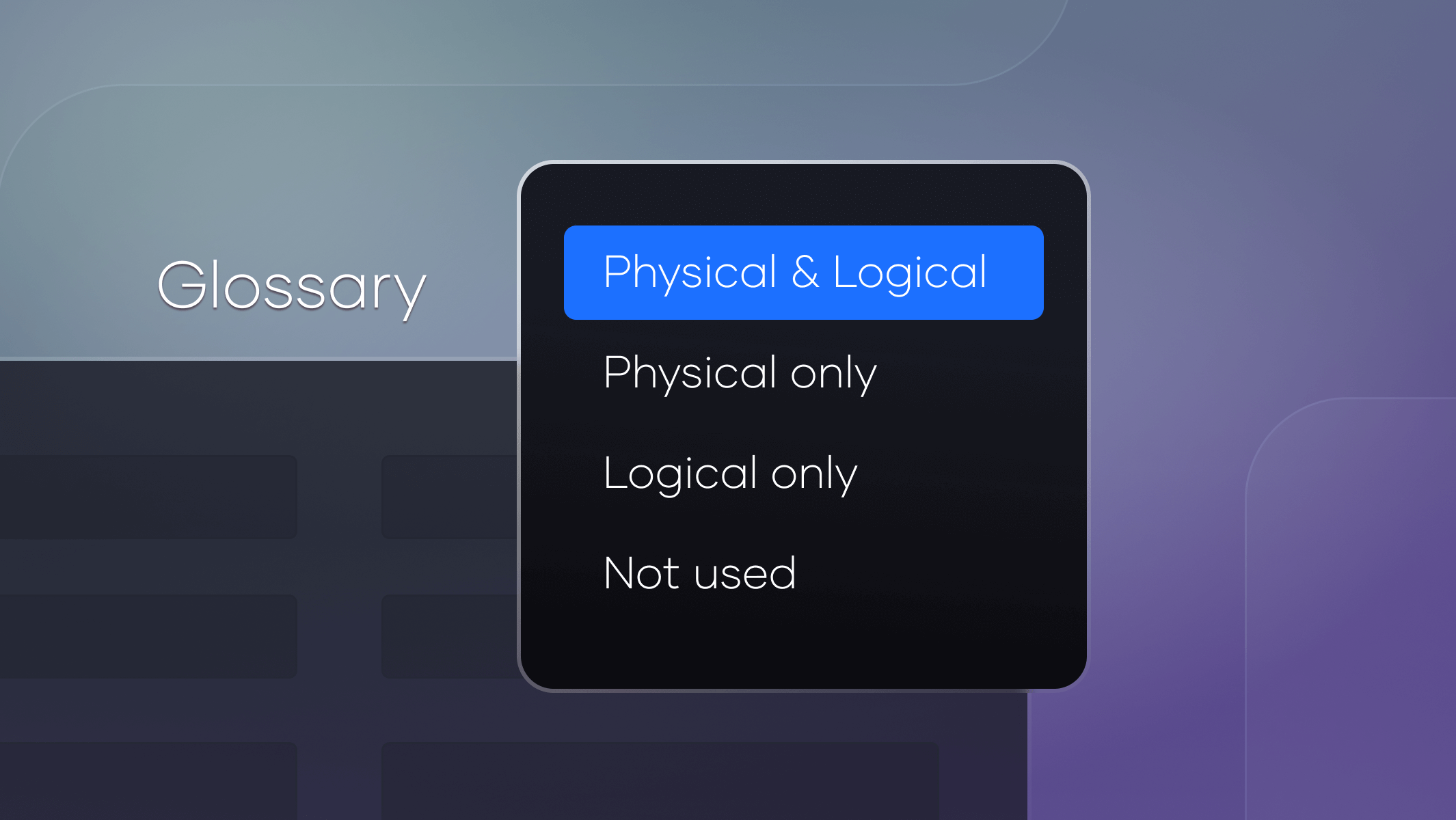
New Glossary rules
May
Apply rules to physical and/or logical names or set inactive
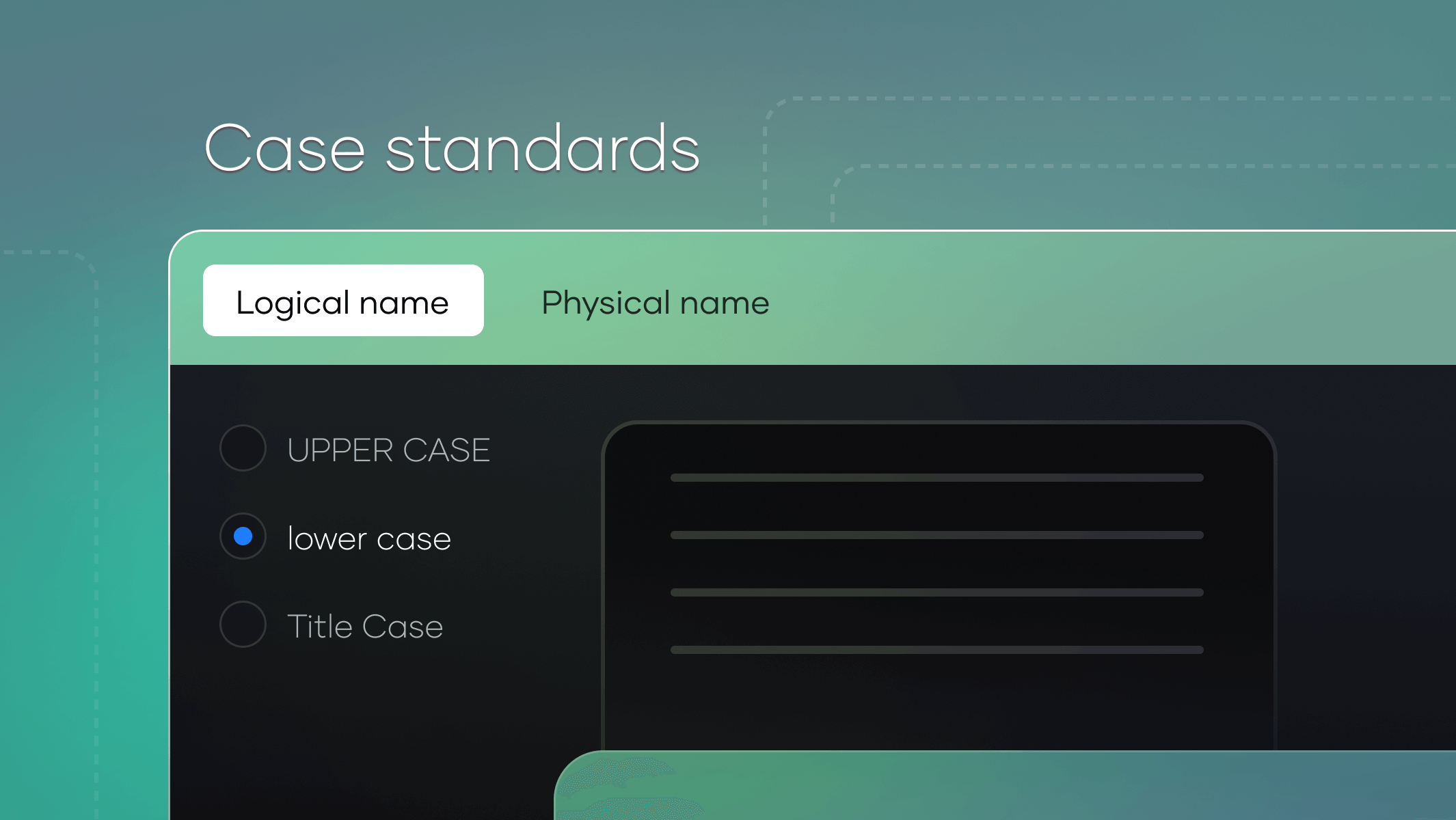
Logical Naming conventions
May
Case standards for logical names
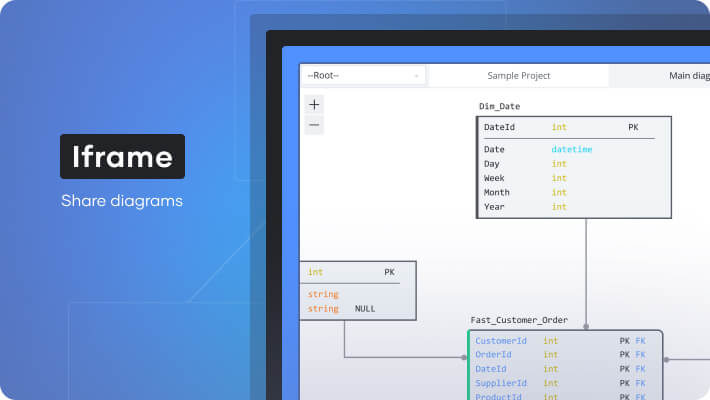
Iframe
March
iFrame embeds for projects in third-party systems
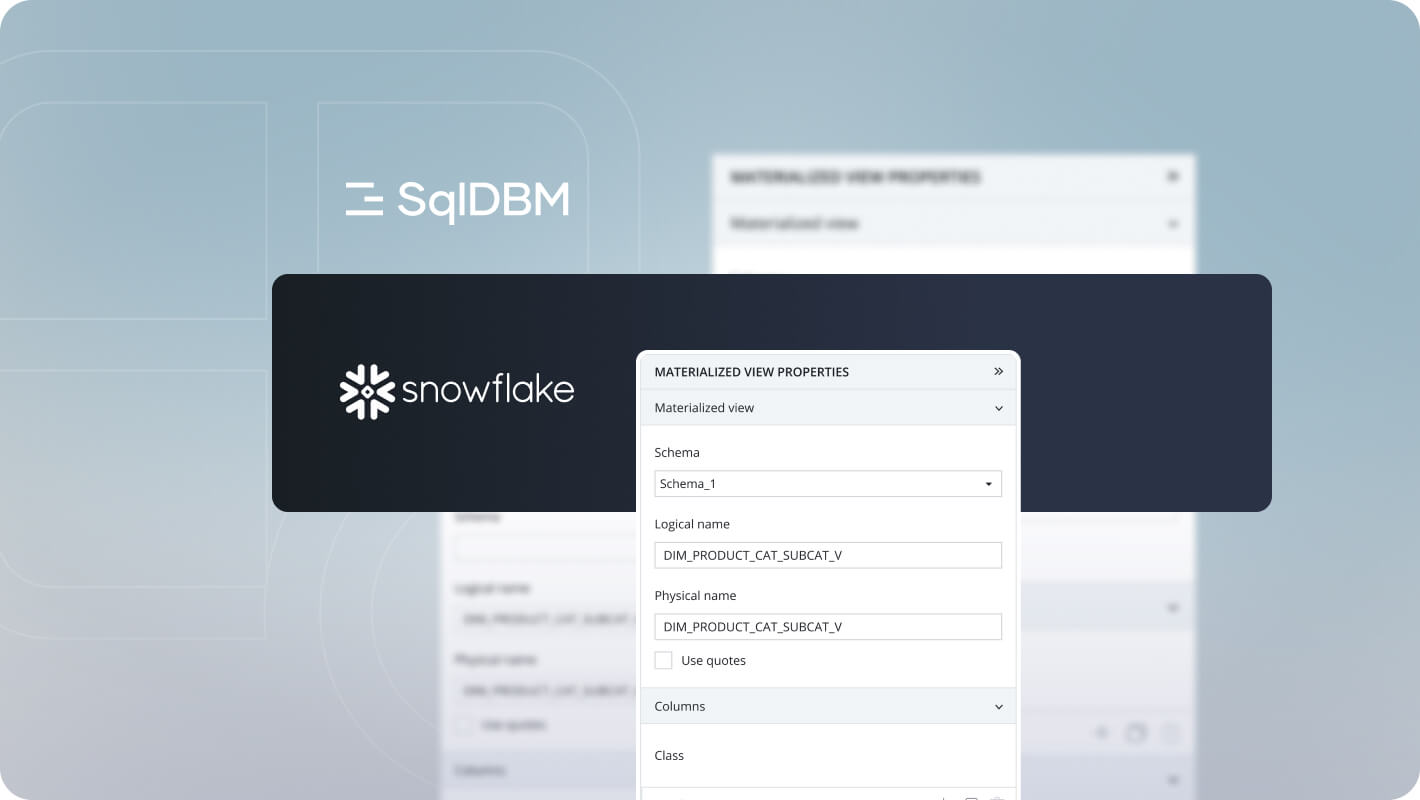
Snowflake views
March
Snowflake views on the diagram with editable columns and parameters
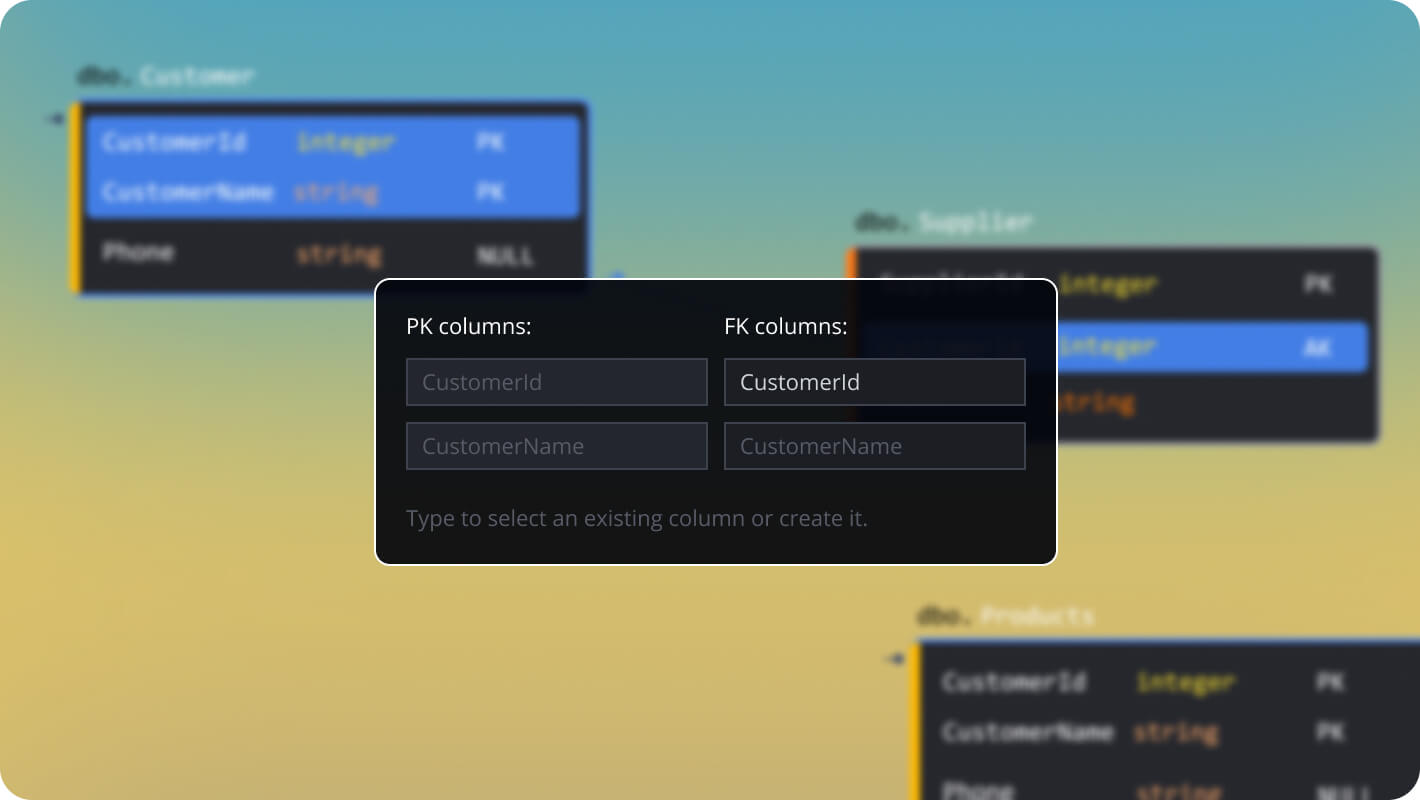
Foreign key linking
March
Enhanced foreign key linking experience
New Snowflake object parser
February
Snowflake revamped object parser offers faster performance
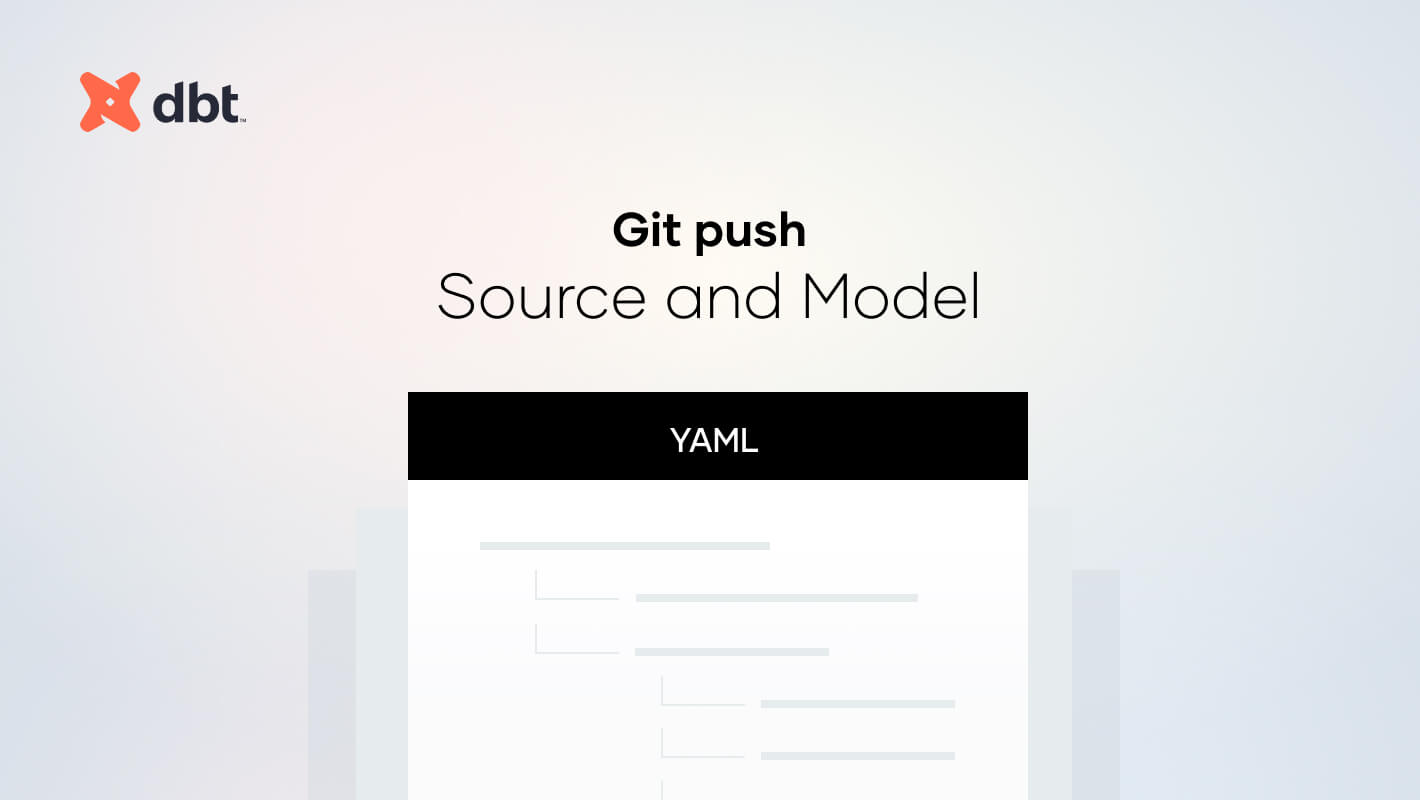
dbt git push
February
Push dbt source & model YAML to git in Forward Engineering
Multi-git support
January
Added support for multiple repos in push-to-git
UI enhancements
January
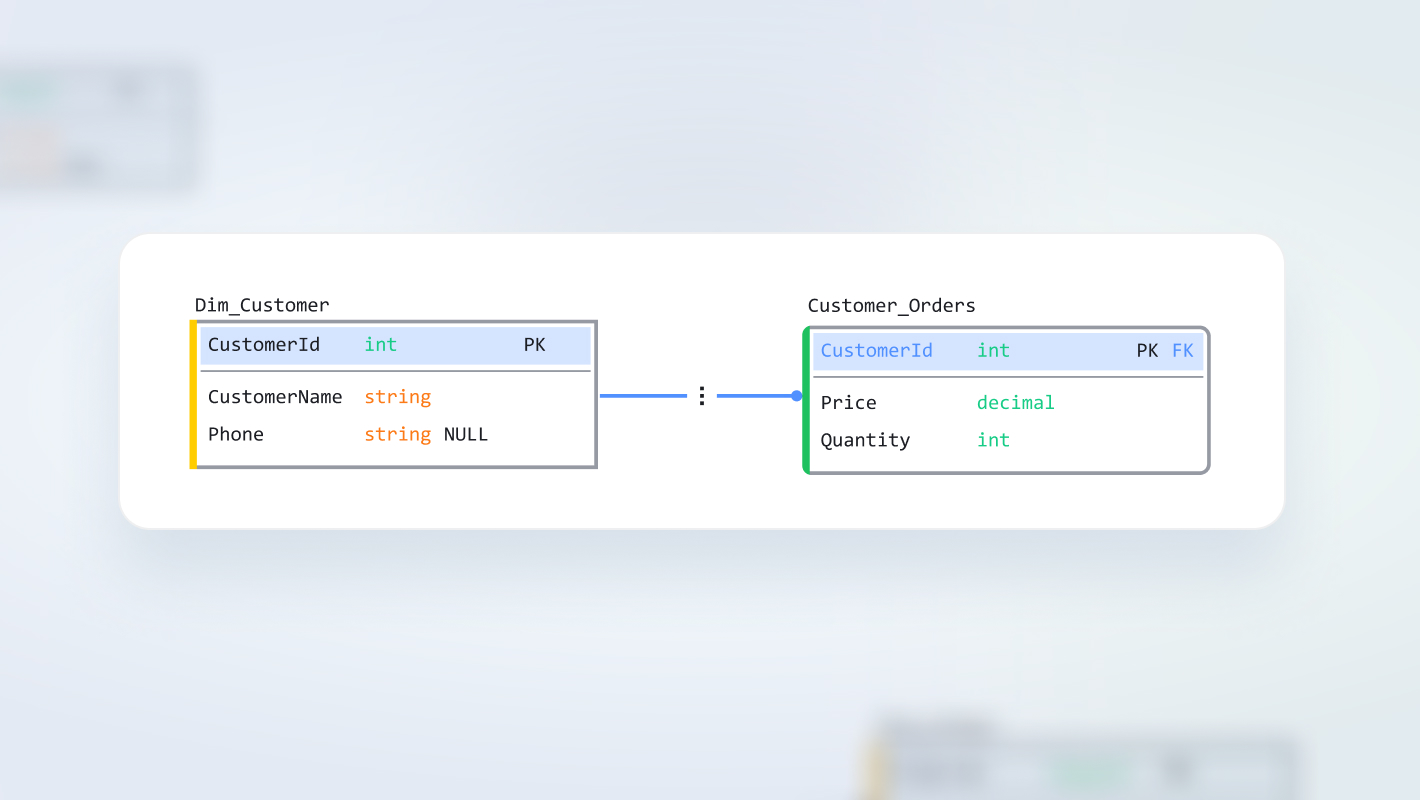
Simplified UI for Foreign Keys and Relationships